Overview (Version 0.10.6)
Custom animation
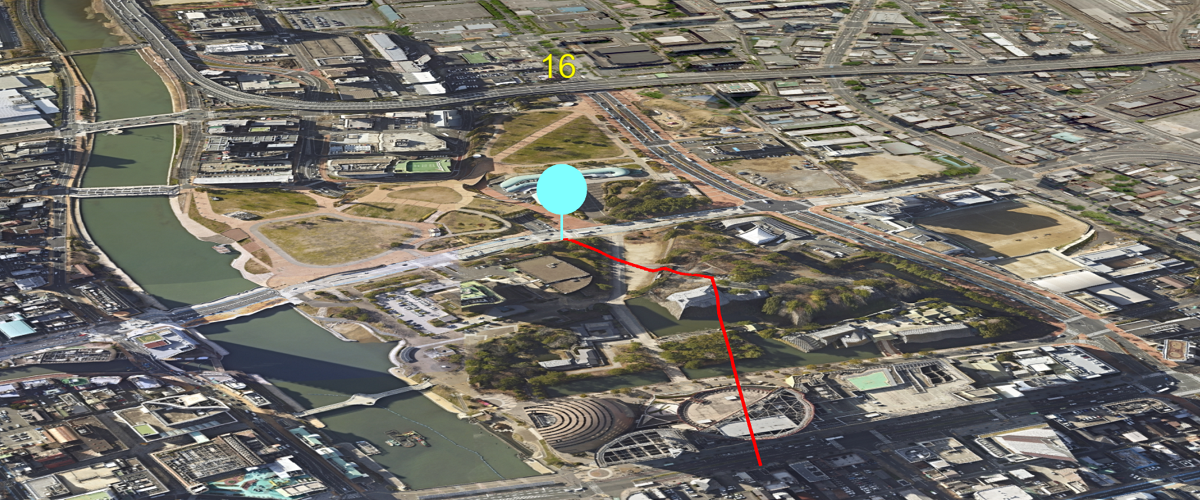
Custom animation with EasyBindingBlock
Curve animation
Using cosine curve to make animation
Position curve
Set entity position with curve animation
Text animation
Using animation to update text
Multiple animations
Multiple animations on the same entity
Step animation
Animation without interpolation
Basic animation with UI Viewer
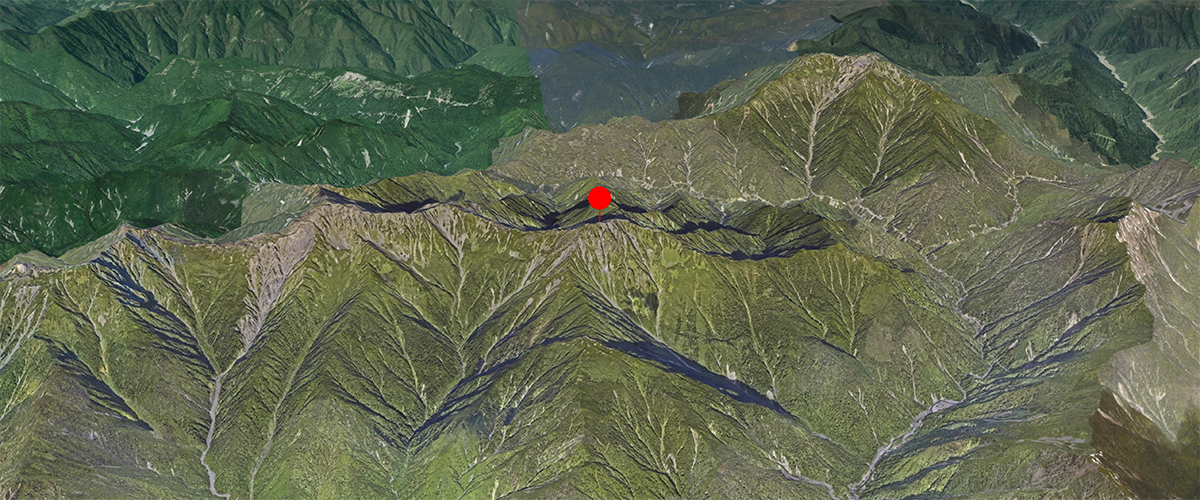
Basic animation sample utilizing Mapray animation engine through UIViewer
MarkerLineEntity
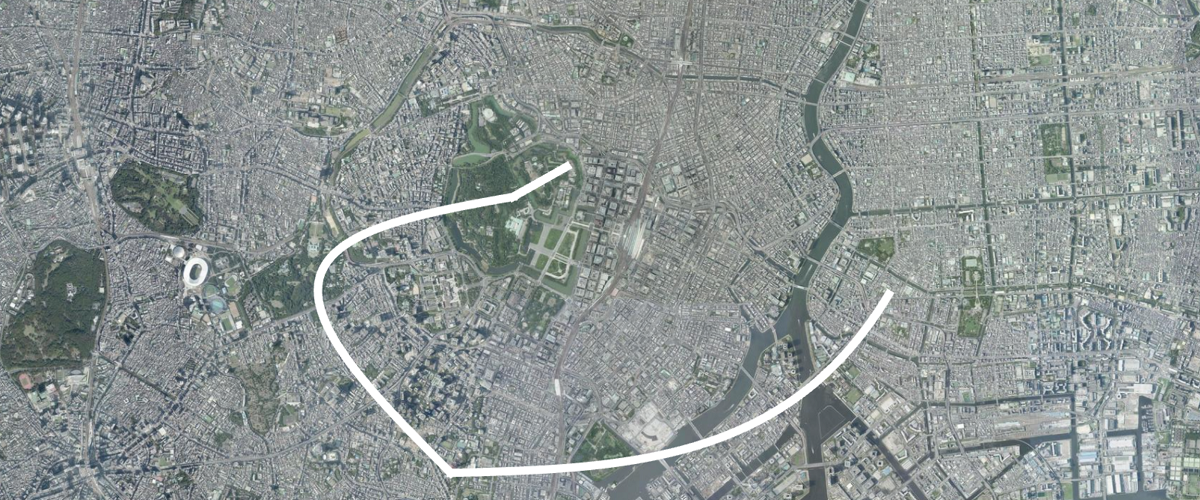
Animation without using Mapray animation engine
Add an atmosphere on the world
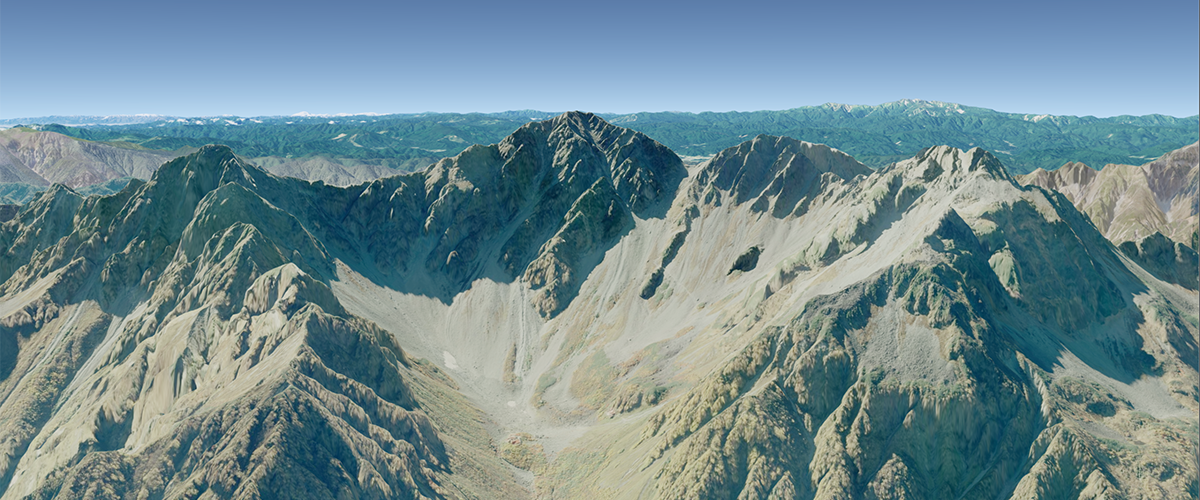
Basic sample for adding atmospheric representation to the virtual Earth
Display clouds in the sky 
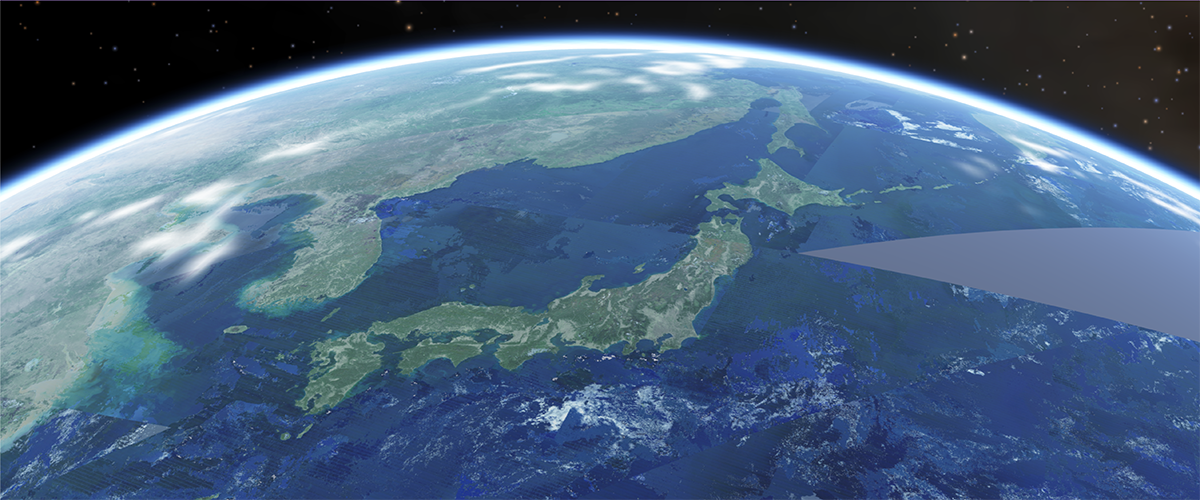
Sample utilizing cloud layers to overlay clouds in the sky.
Evening over Mt. Fuji and Lake Kawaguchi
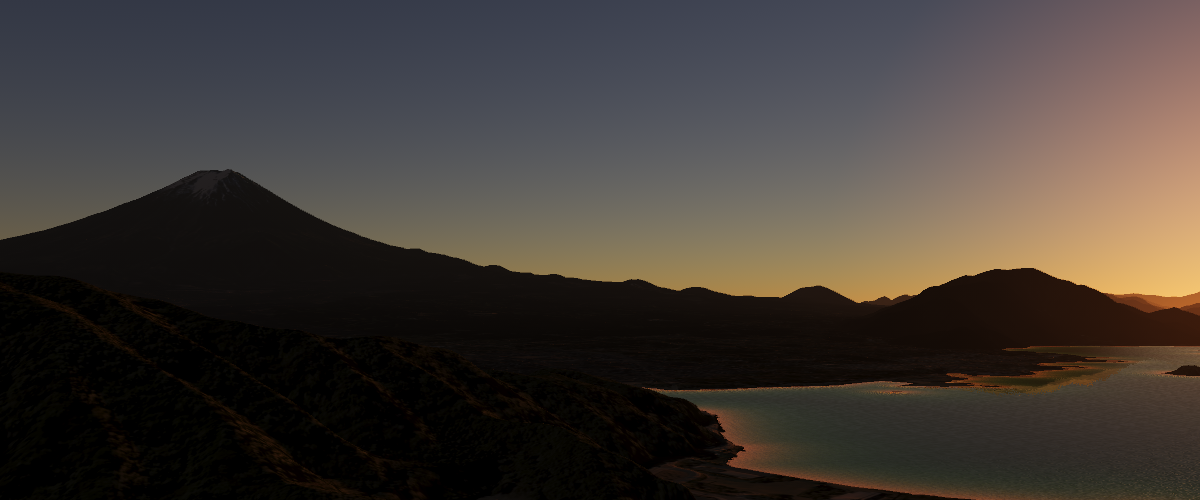
Sunset on Mt. Fuji with a reflective water surface on Lake Kawaguchi
Midday over Tokyo
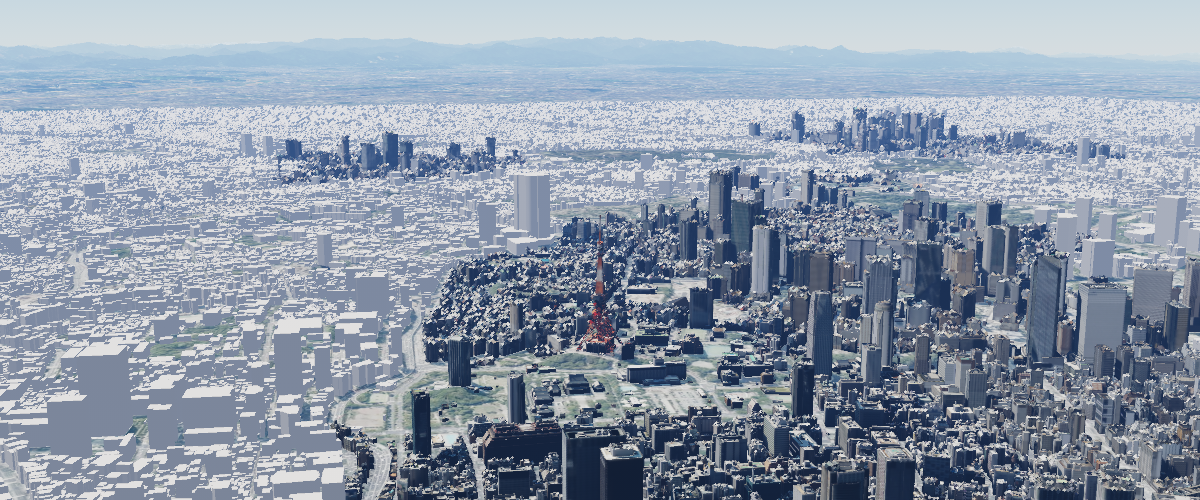
3D buildings of Tokyo under the midday sun
Set atmosphere and post-process parameters
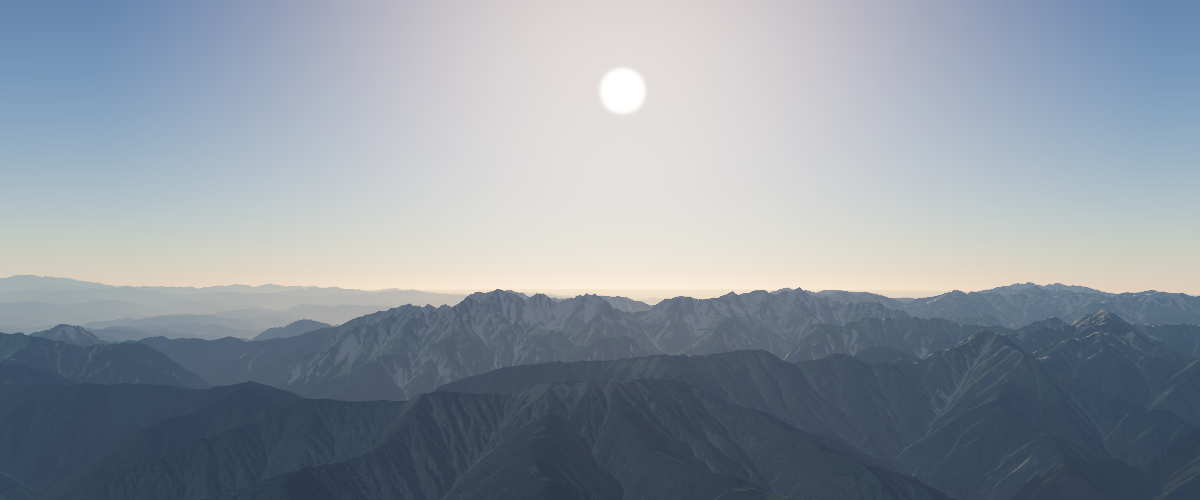
Tune the representative atmosphere parameters and switch every post-process effect on and off
Display stars and the moon
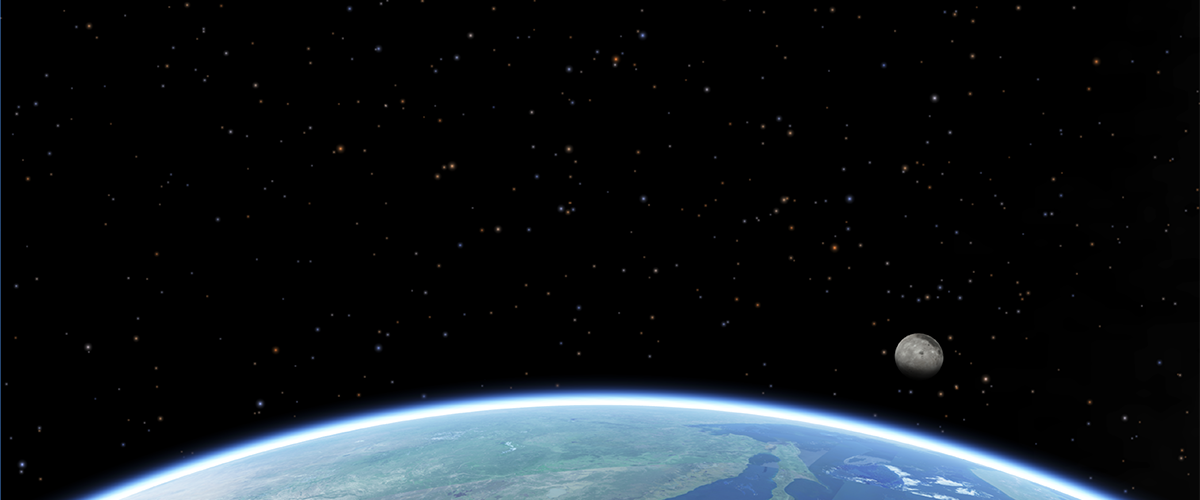
Sample for adding stars and the moon in the space
Switch atmosphere preset
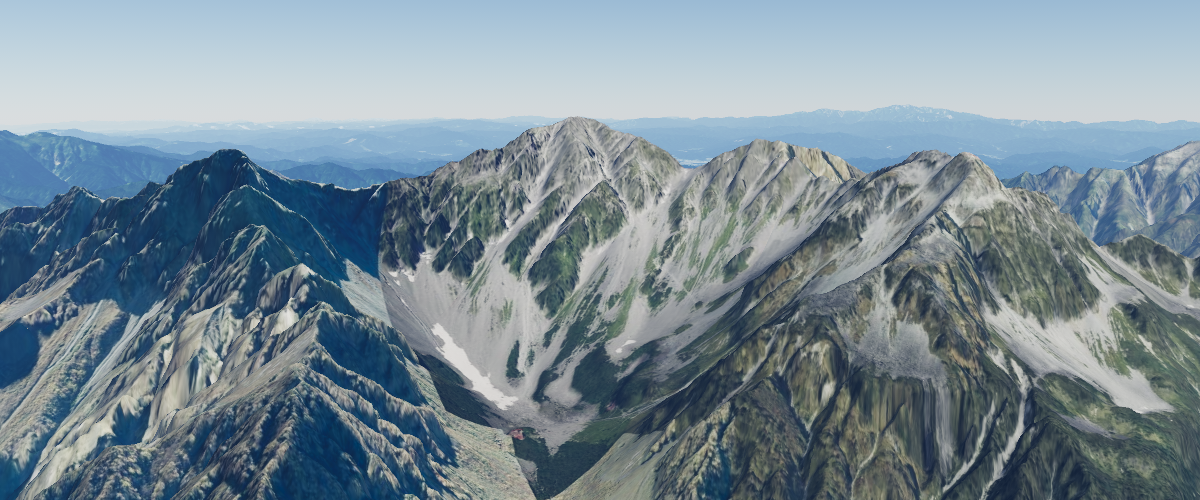
Start with the default atmosphere and switch between the built-in look presets
Animate the camera around a point
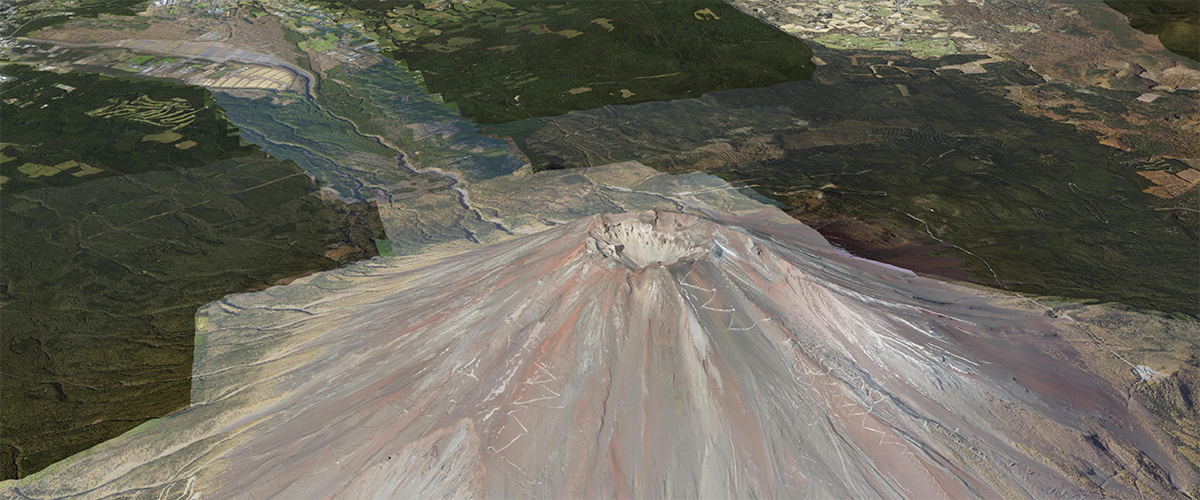
Animate the camera around Mt.Fuji
Add a DEM layer
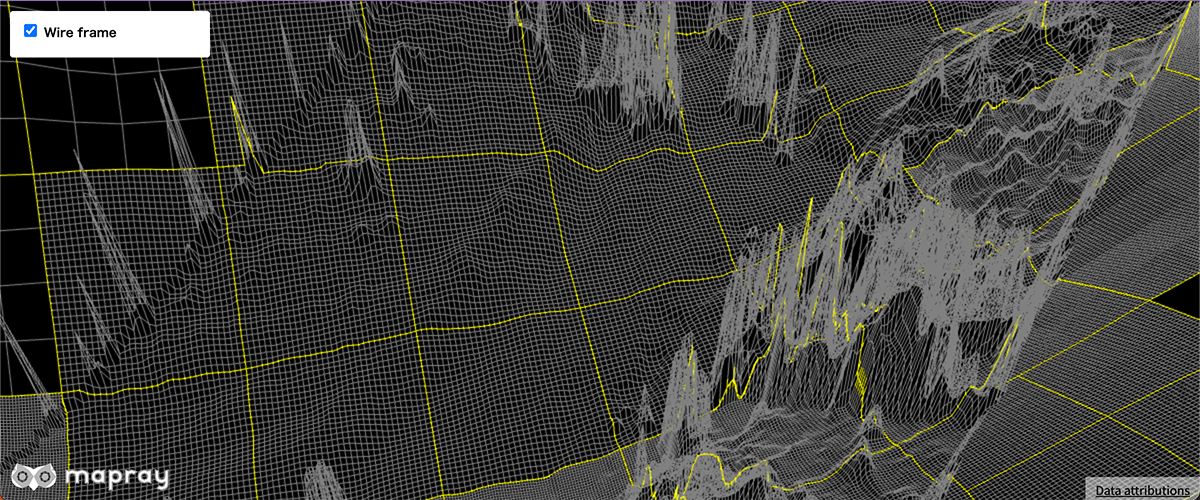
Add a DEM layer
Remove a DEM layer
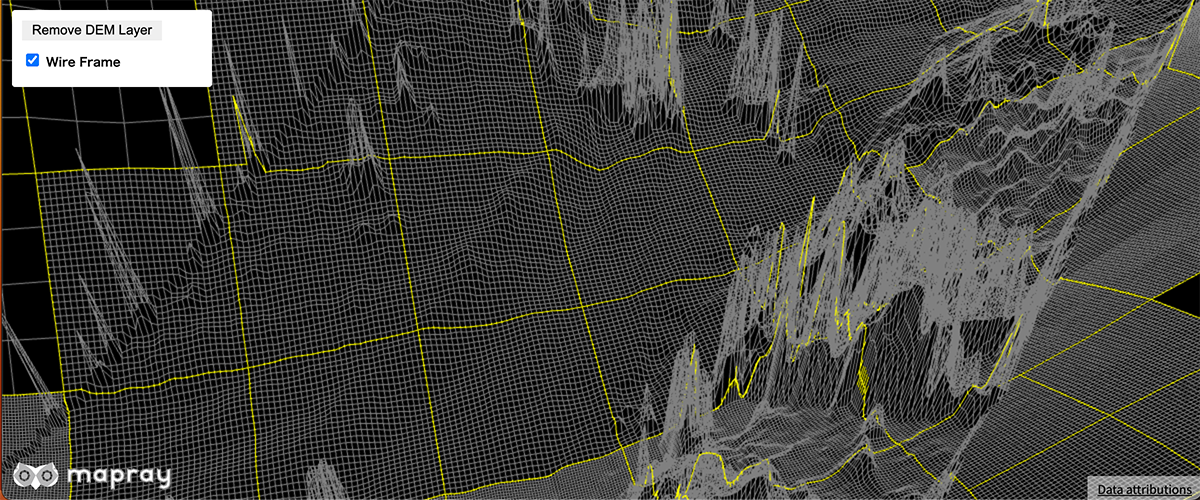
remove a DEM layer
Set dots per pixel
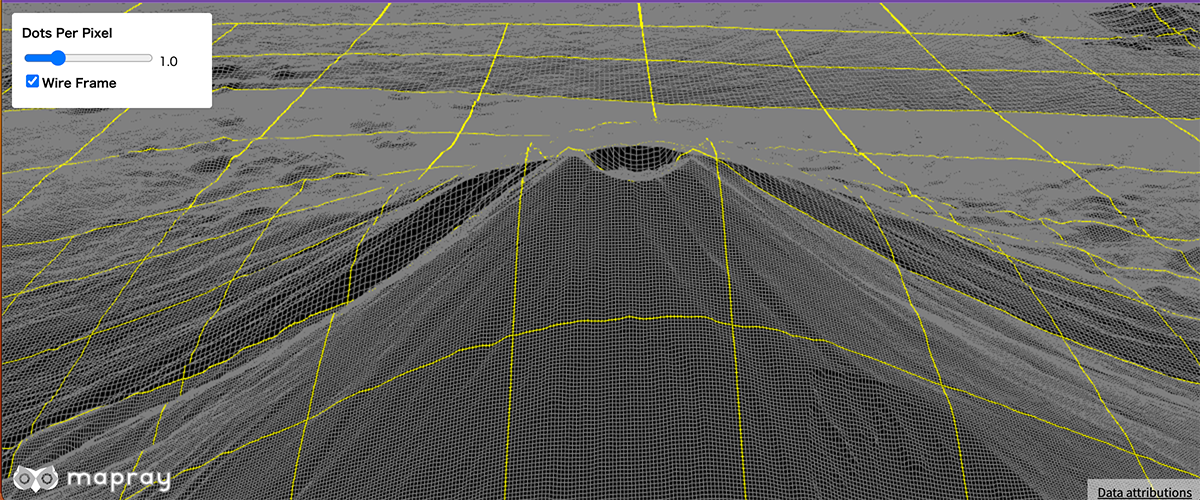
Set dots per pixel
Set visibility of DEM layer
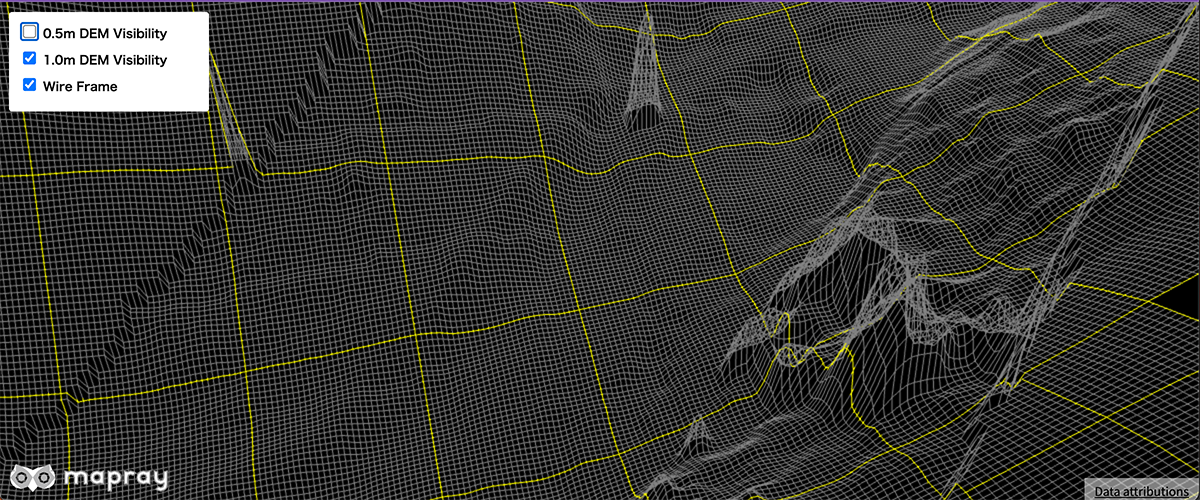
Set visibility of DEM layer
Add a image icon
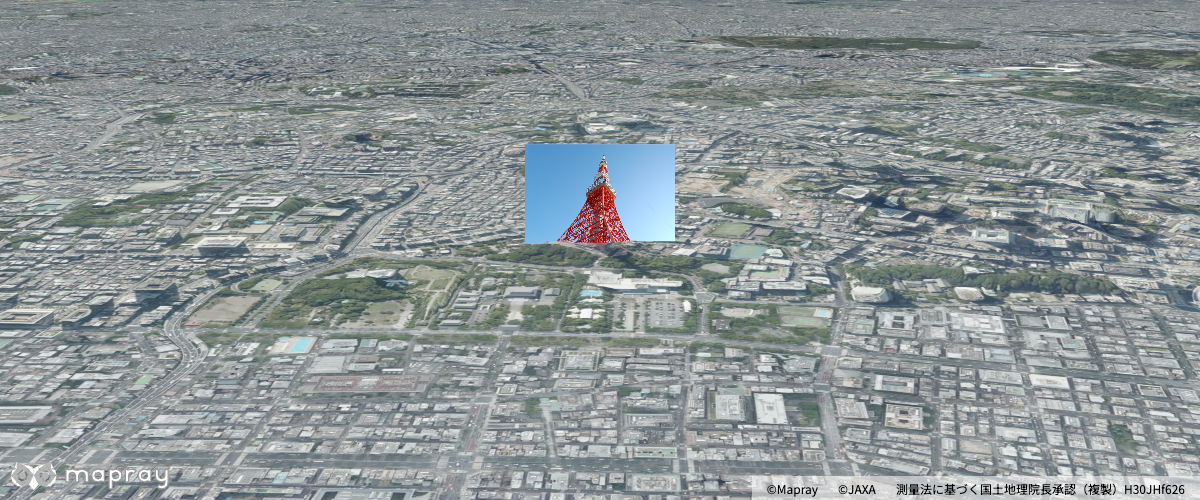
Add a image icon with Entity API
Add a pin
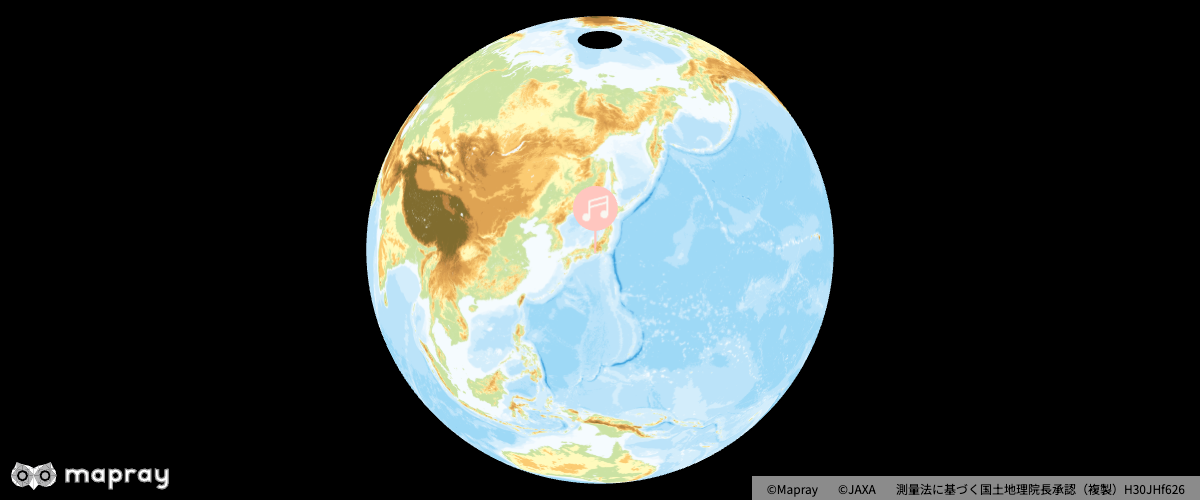
Add a pin with Entity API
Add a text
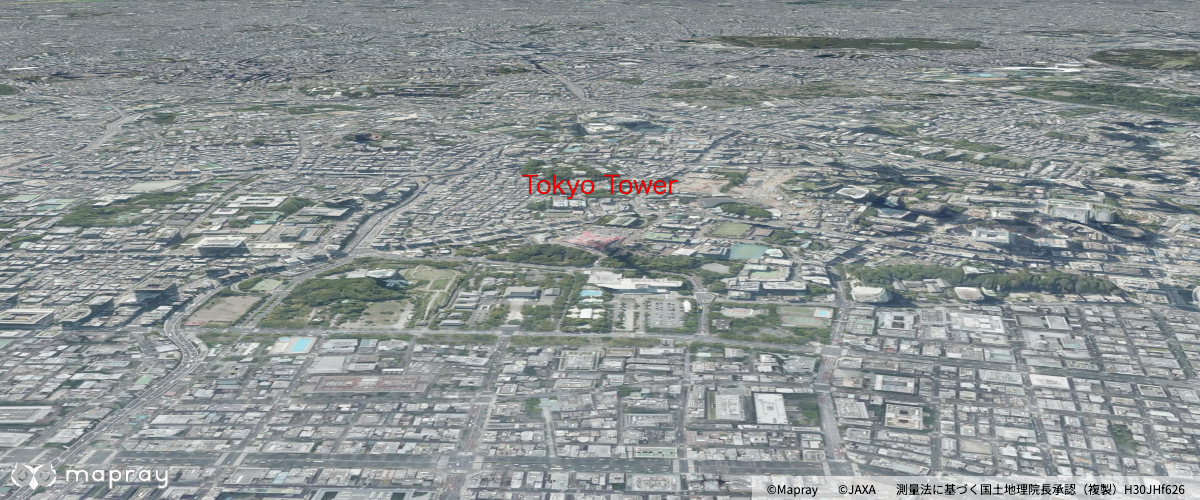
Add a text entity with Entity API
Add a water polygon
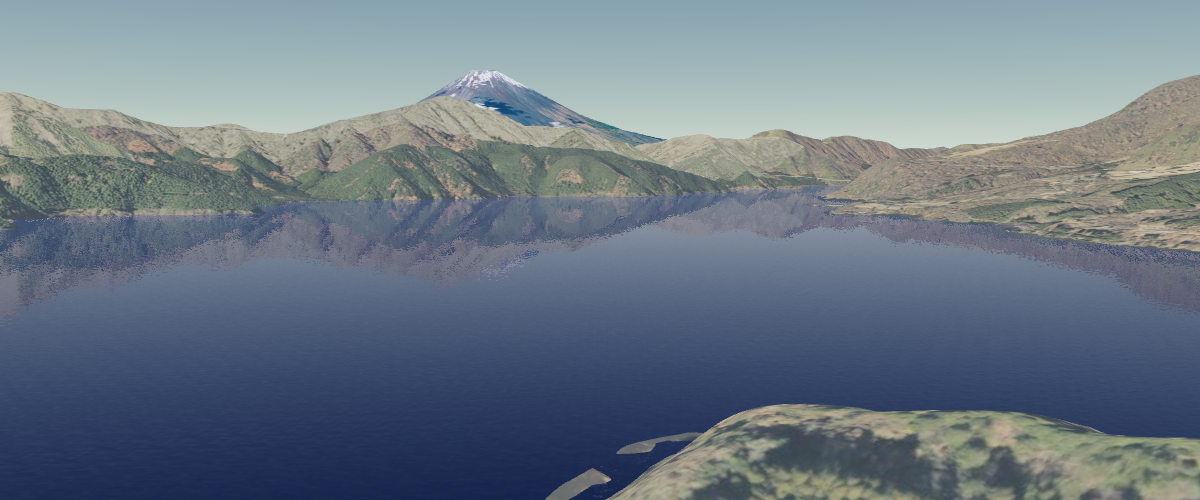
Add a water polygon with Entity API
Add a water polygon with cloud api
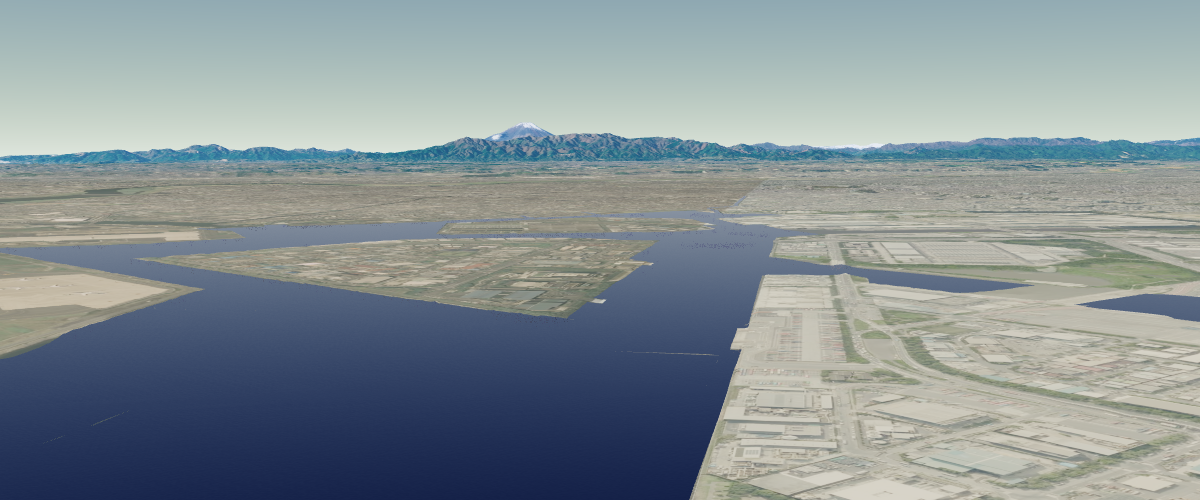
Add a water polygon with Cloud API
Change the style of a text entity
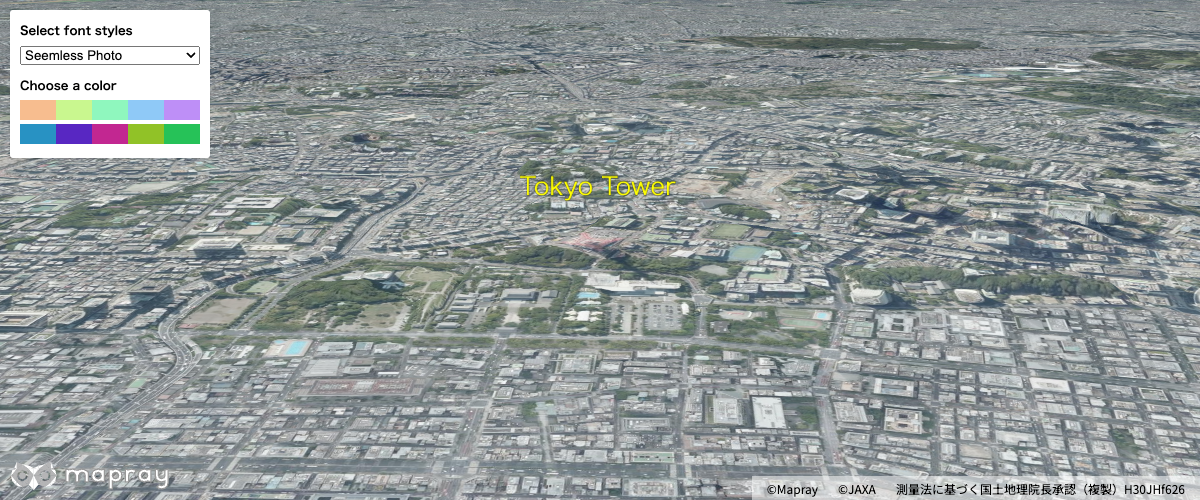
Add a text entity using the Entity API and change its style
Load a GeoJSON file with properties
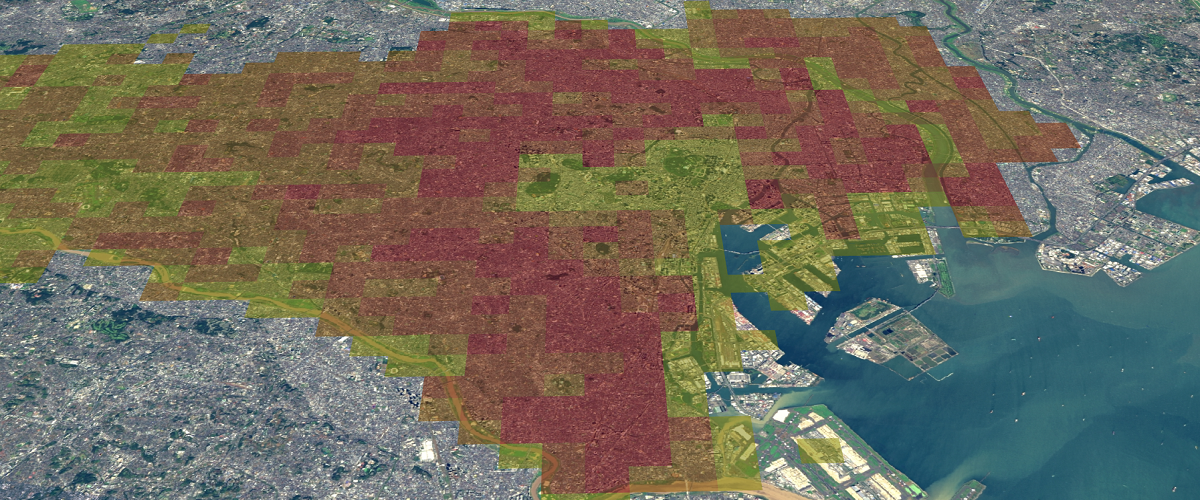
Load a GeoJSON file with properties
Terrain elevation queries
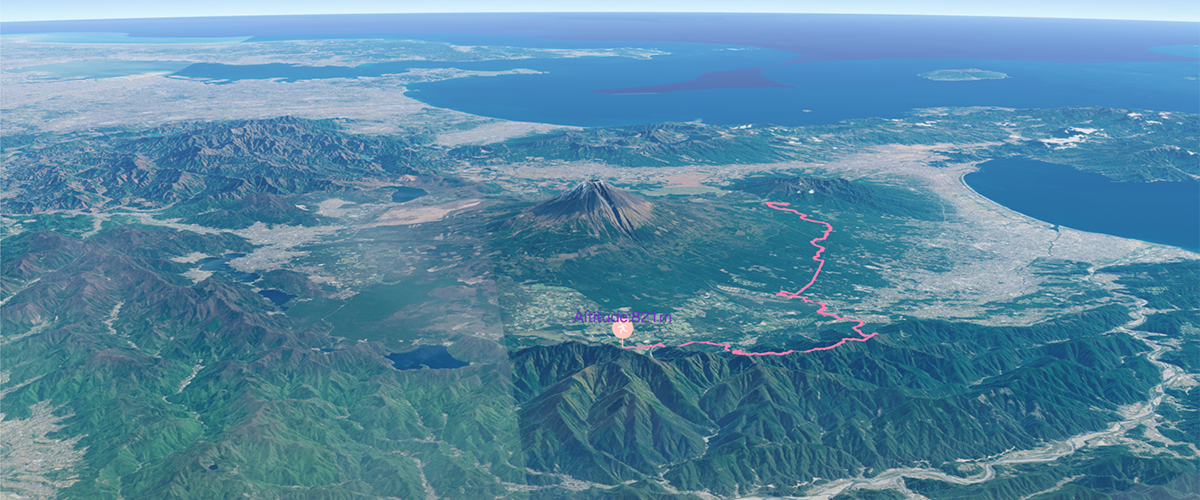
Make client side terrain elevation queries.
Update model material
Update model material at runtime.
Set water polygon parameter
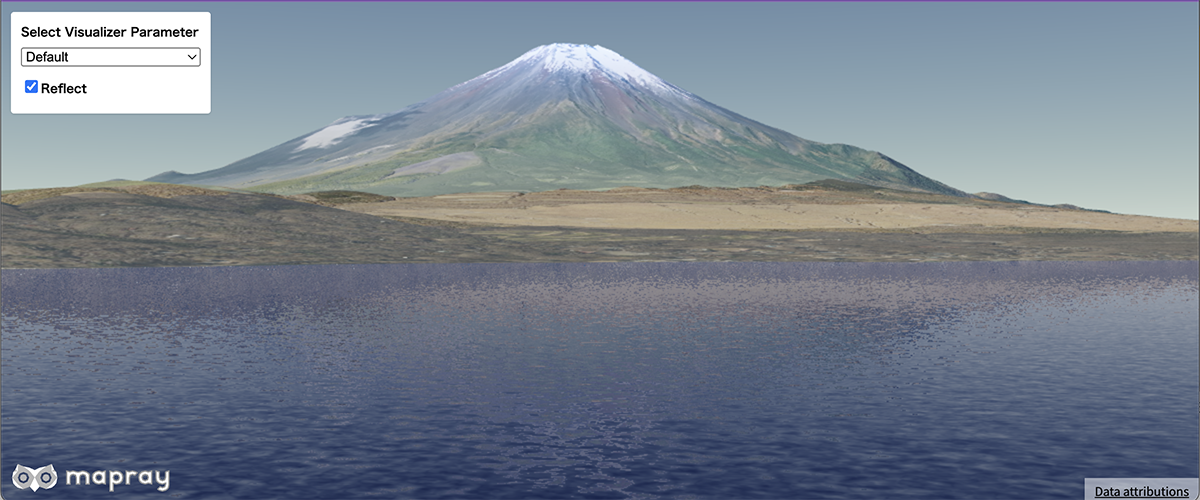
Set water polygon parameter
Water reflection
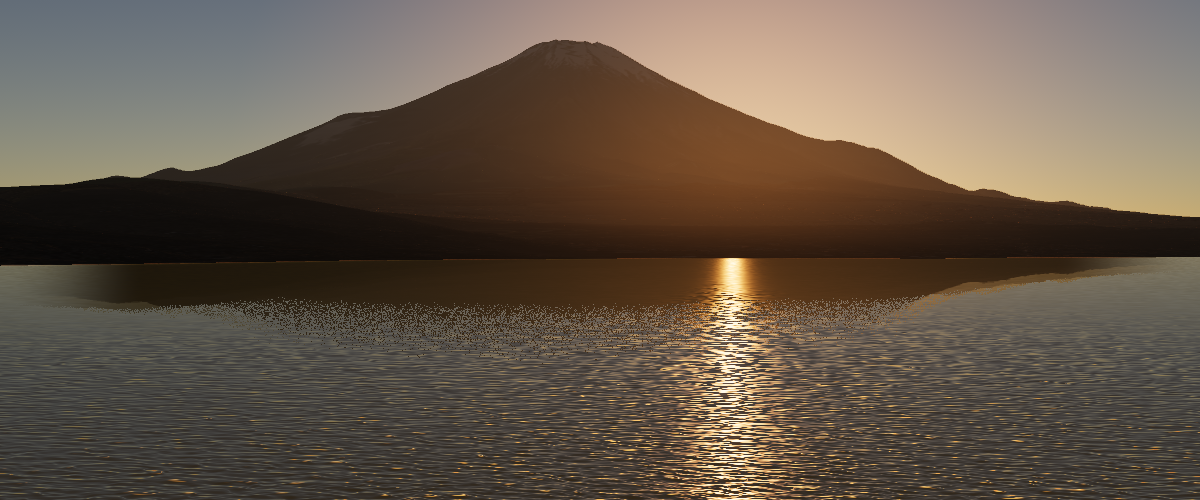
A lake reflecting the terrain around it
From calm to a gale
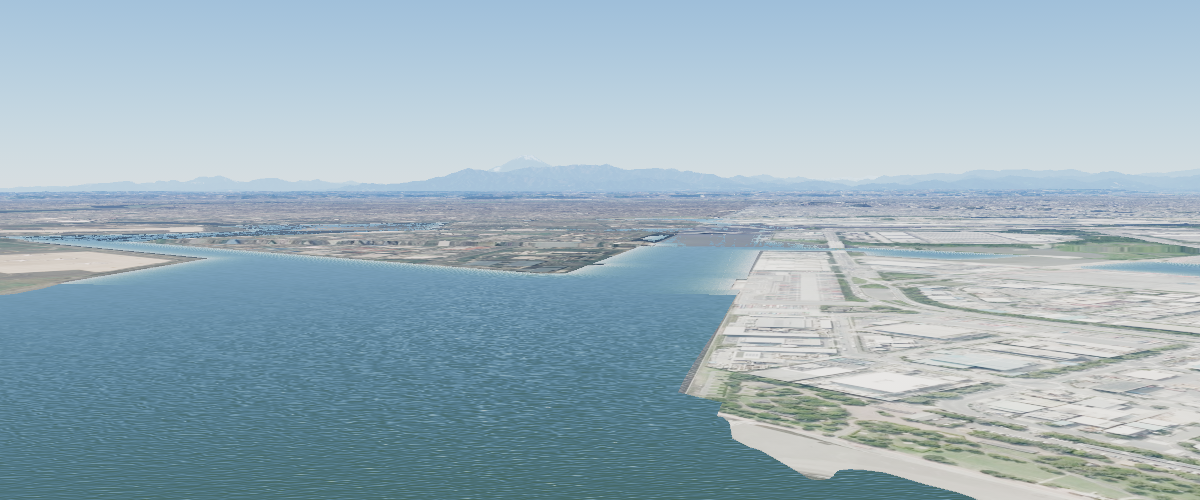
One wind speed decides the whole sea state
Waves washing up on the shore
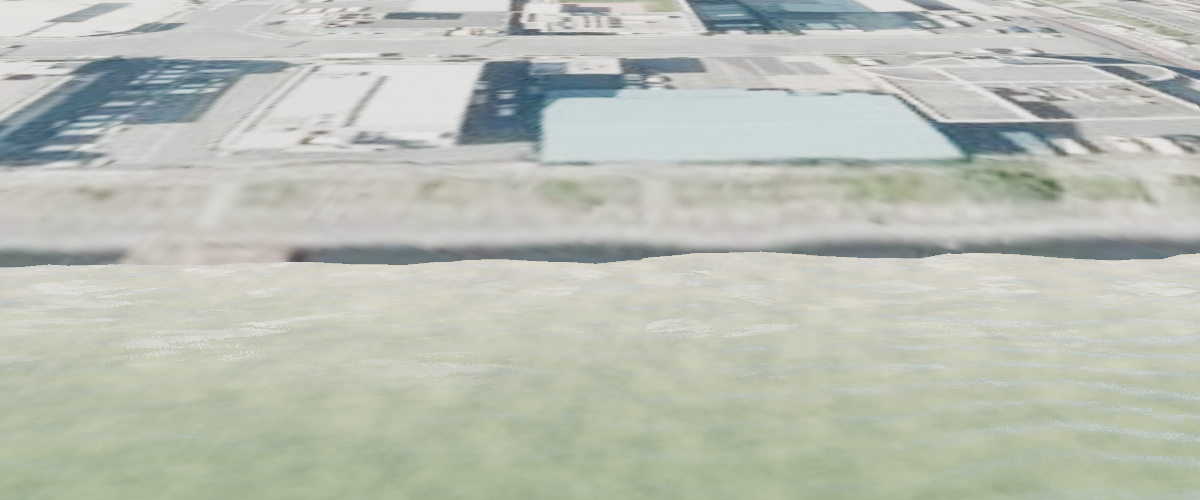
Shore waves and foam driven by the terrain around the water
Display basic earth on a webpage
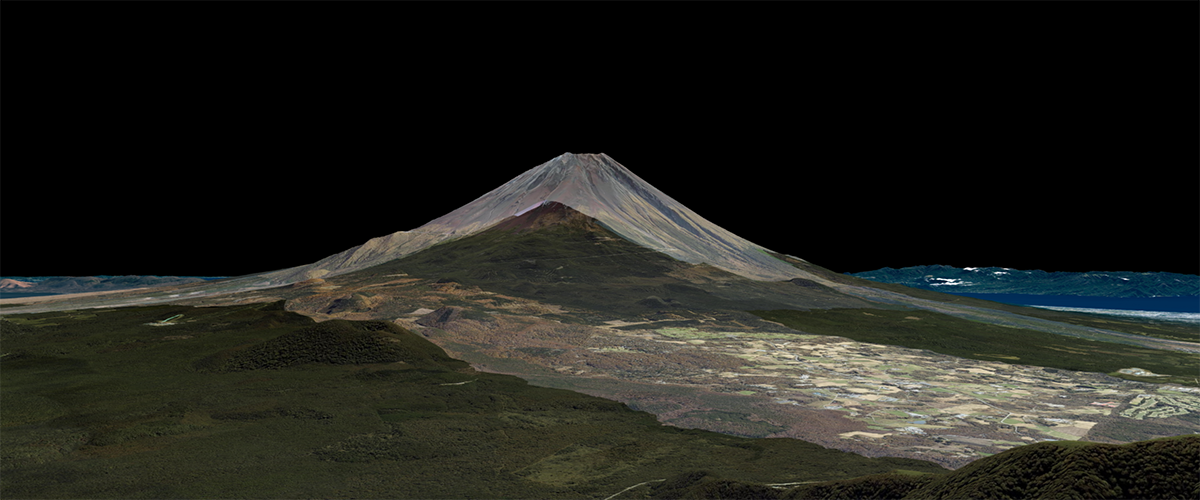
Basic Sample for Displaying a Virtual Earth with Mapray
Add region contour
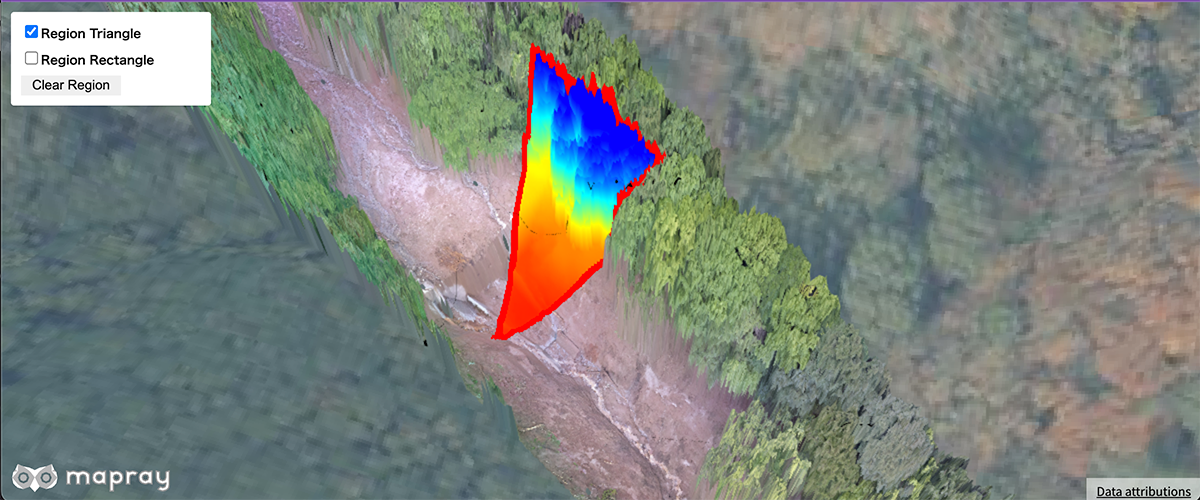
Add region contour on rastermap tiles
Colormap animation
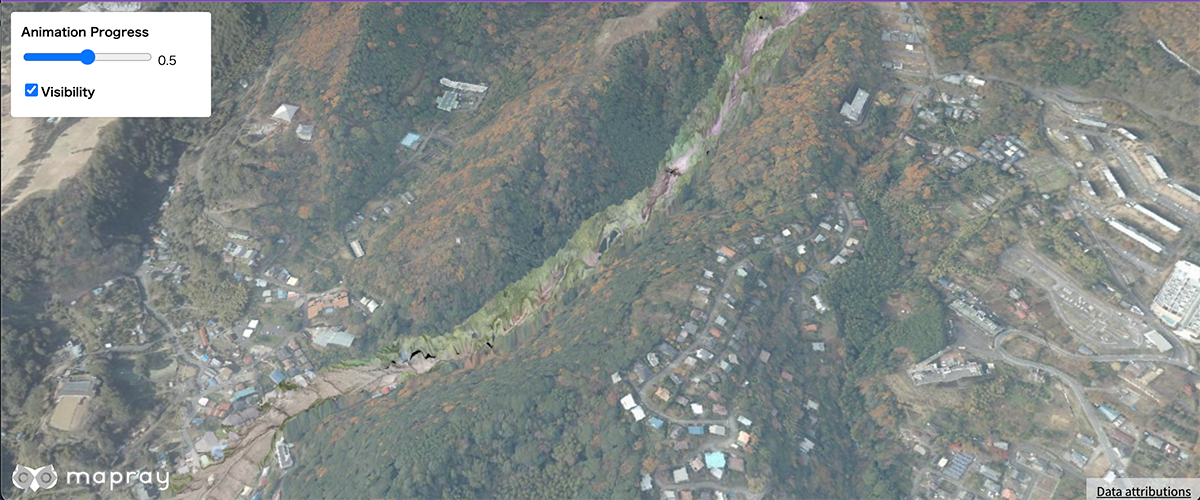
Display Image animation of rastermap tiles
Contour animation
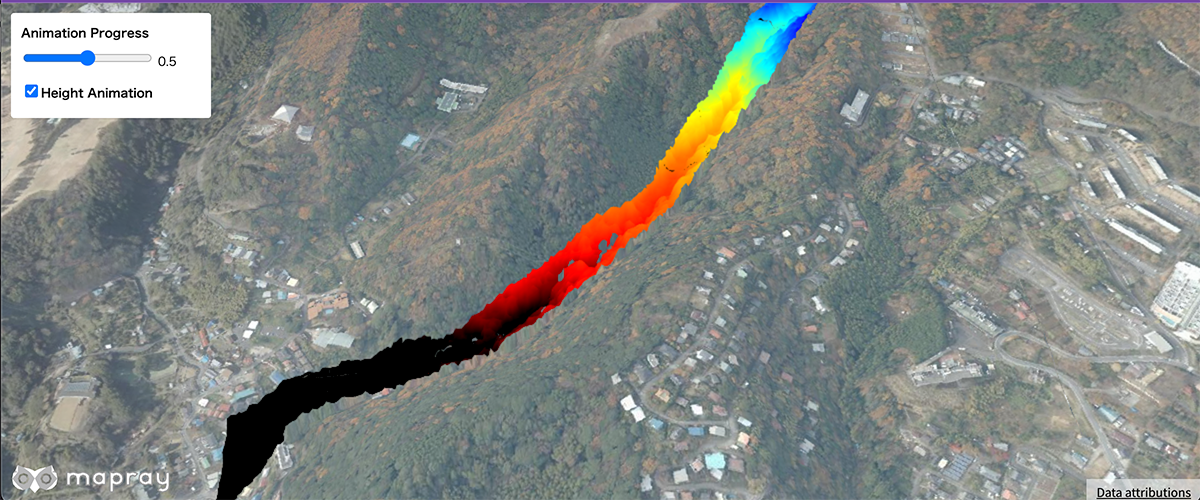
Display Contour animation of rastermap tiles
Region Colormap Animation
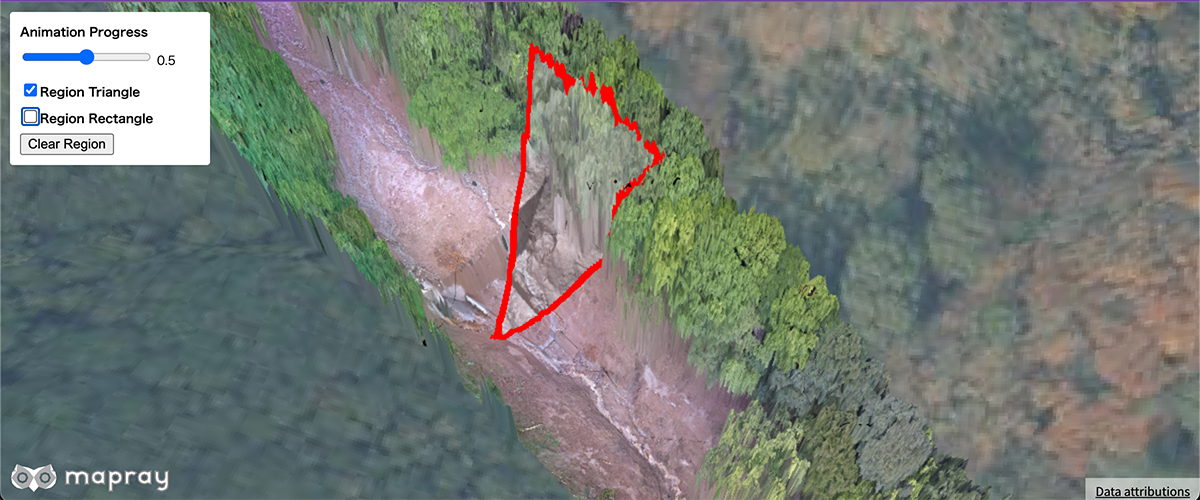
Display Image animation of rastermap tiles with region
Region Contour Animation
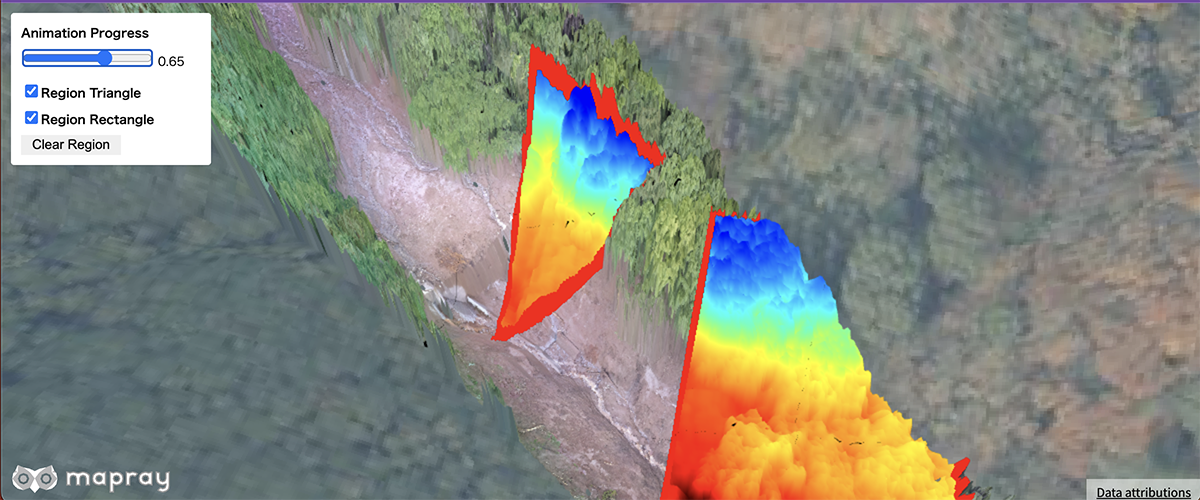
Display Contour animation of rastermap tiles with region
Compare Heightmaps
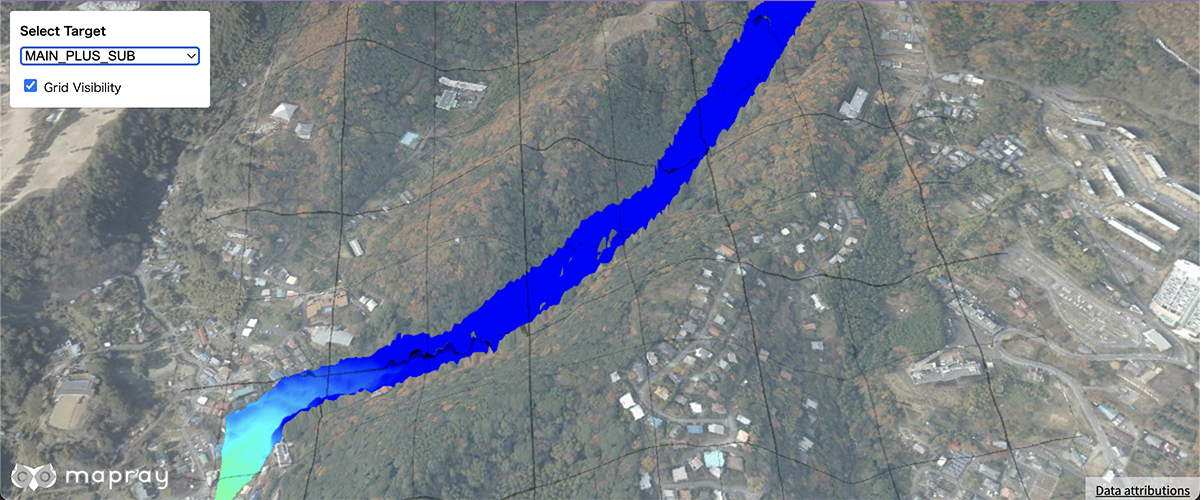
Compare main and sub heightmaps
Compare Heightmaps With Base
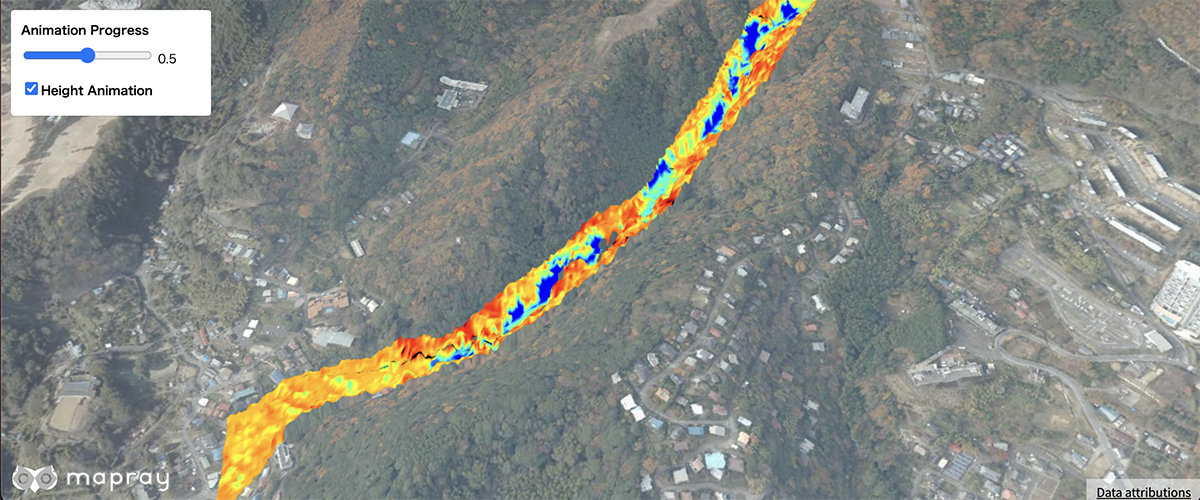
Compare the from and to heightmaps against the base heightmap
Set contour parameter
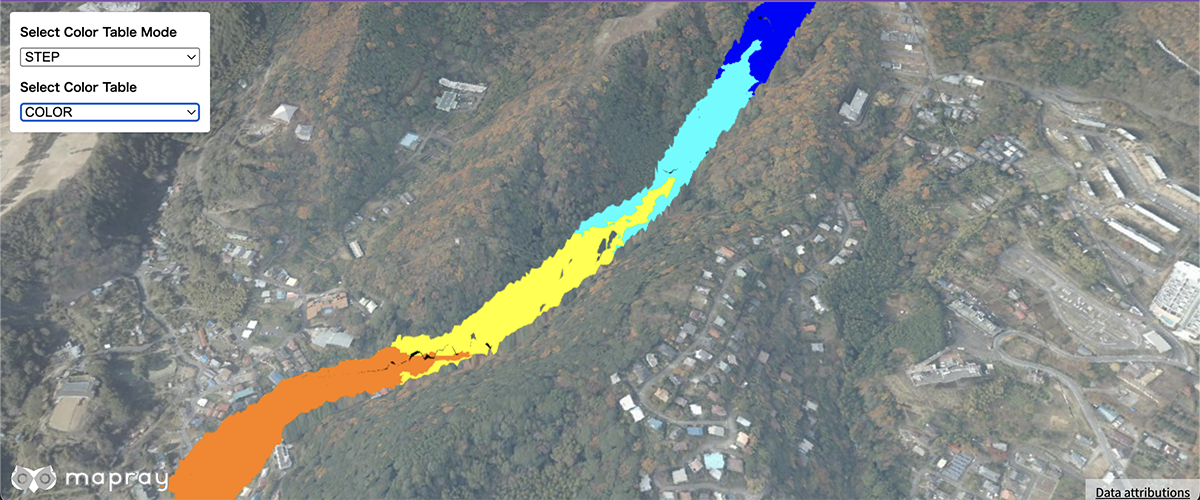
Set contour parameter of rastermap tiles
Set View Mode
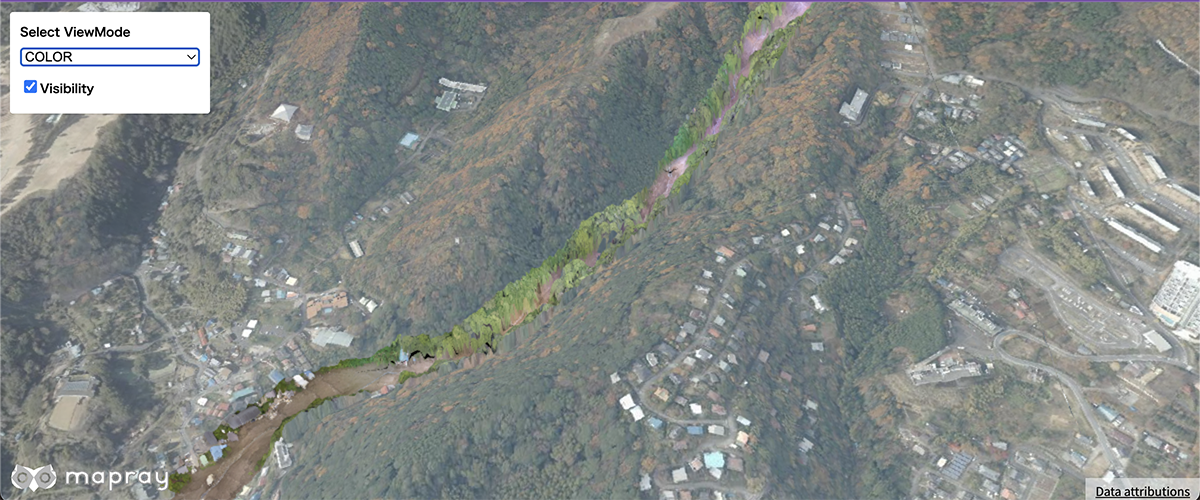
Set view mode at rastermap tiles
Add a raster tile source
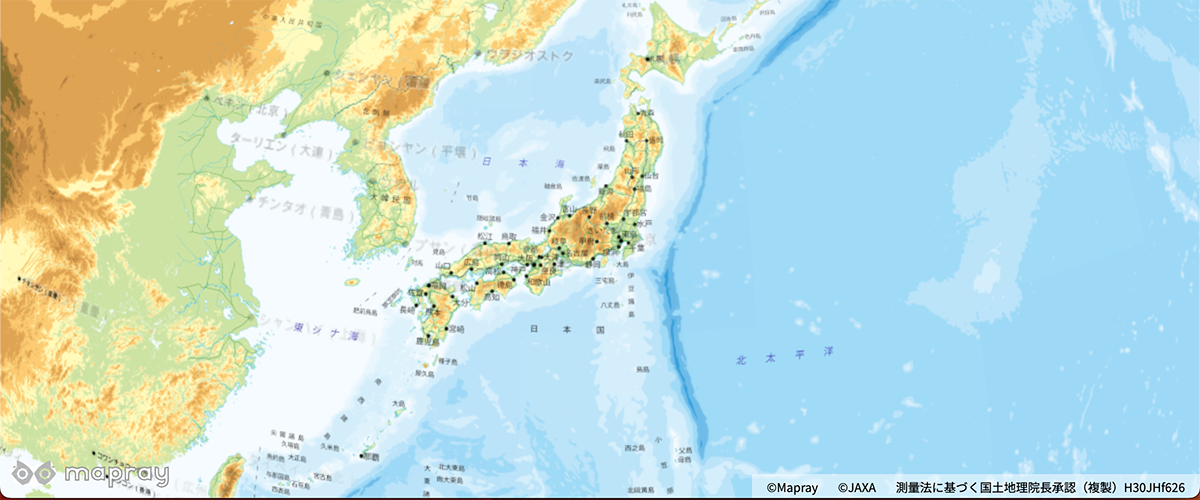
Add a third-party raster source to the map.
Switch a raster tile source
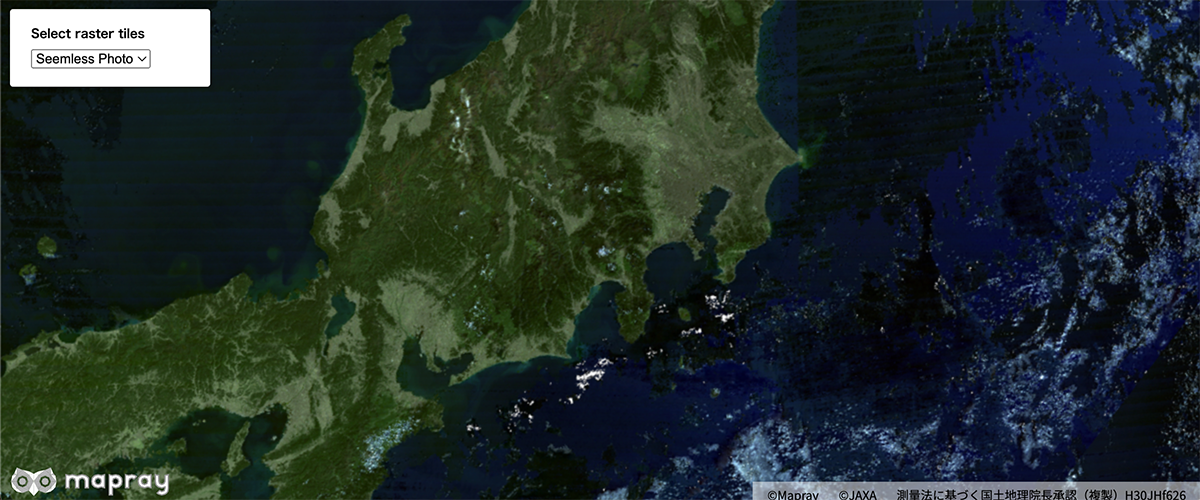
Switch a third-party raster source to the map.
Display 3D Buildings on the earth
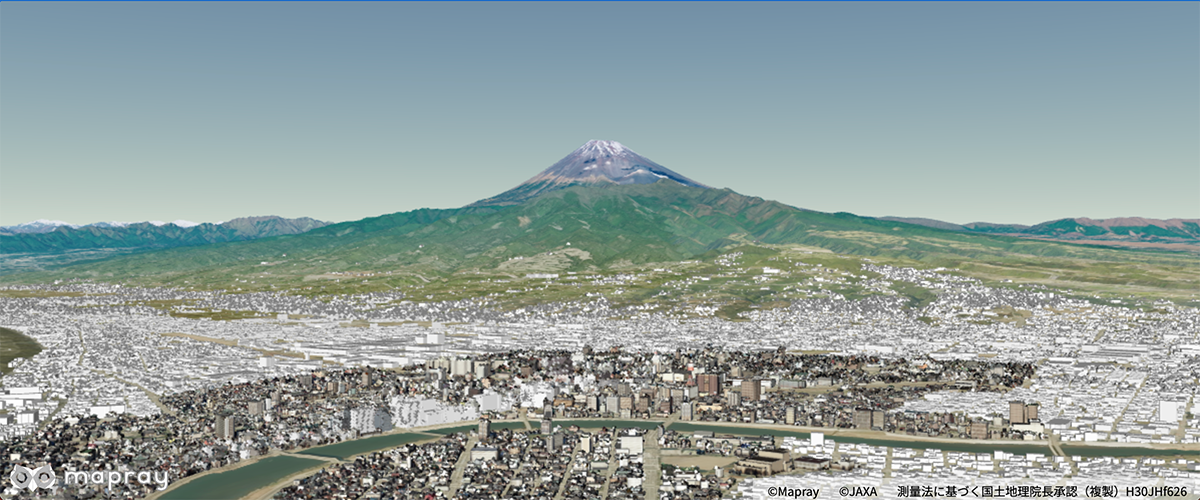
Using the B3dTiles format converted from PLATEAU LOD3.
Display 3D Tokyo on the earth
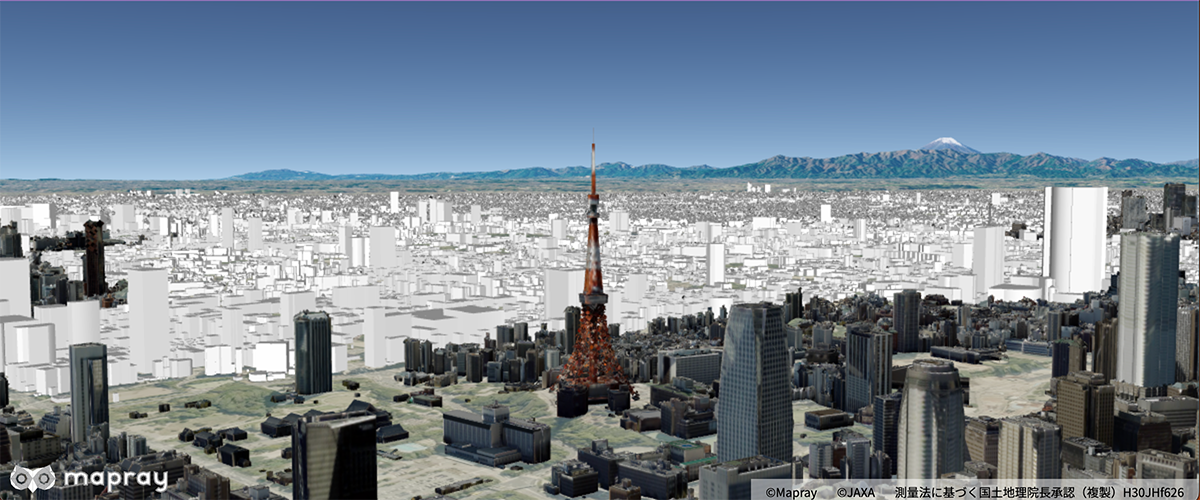
Using the B3dTiles format and display 3D Tokyo.
Display 3D Building on the earth with Mapray Cloud

Displays 3D building data uploaded to Mapray Cloud on the earth
Display a point cloud 
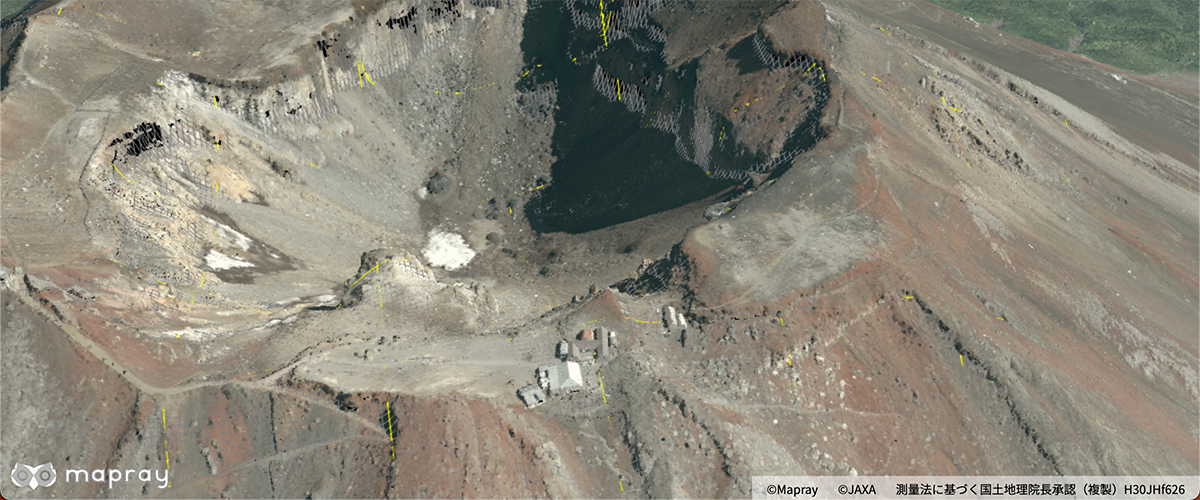
Display a point cloud to the map
Get the nearest point's position in the point cloud
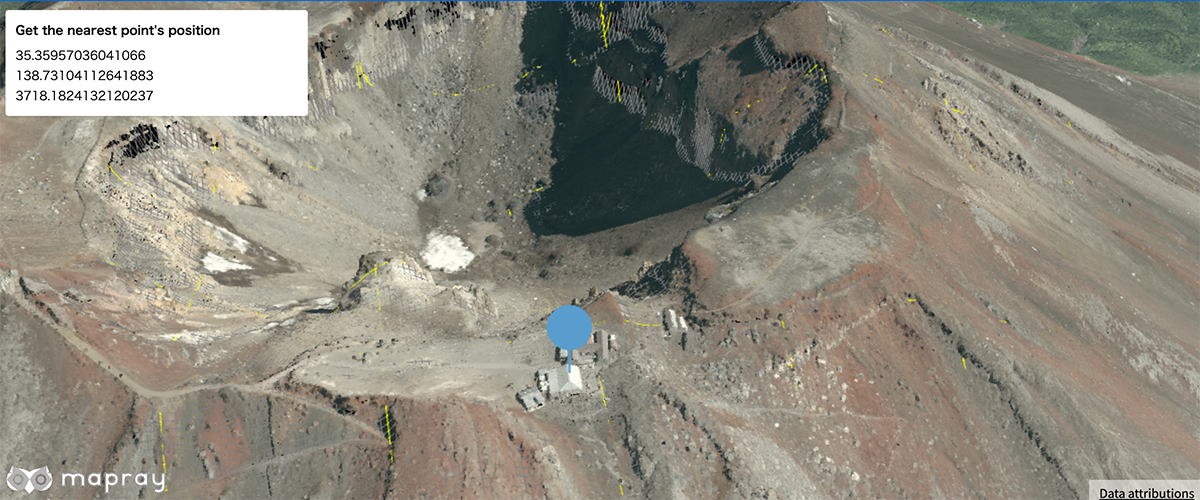
Get a nearest point position in the point cloud
Load scene file
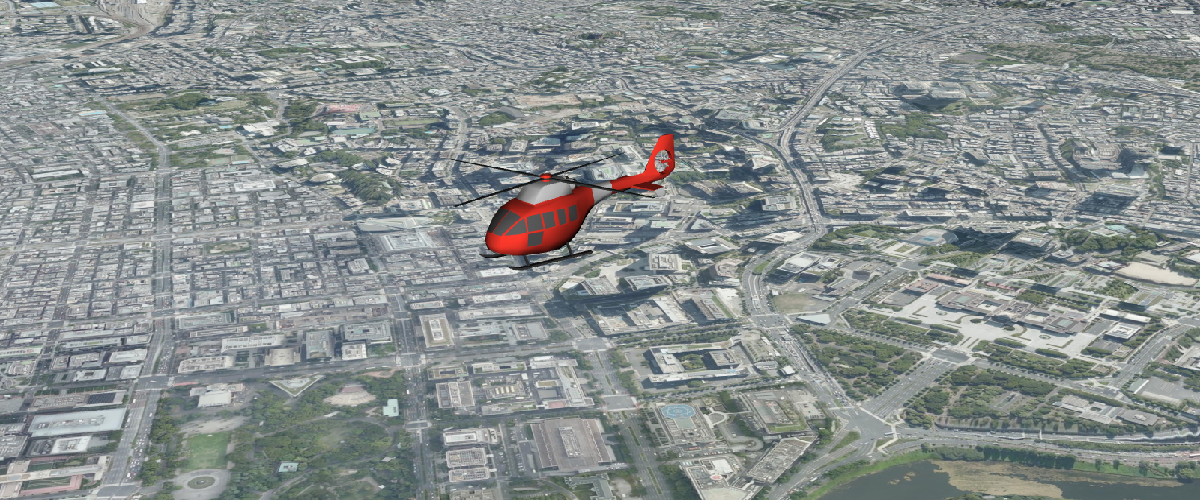
Load scene with SceneLoader API
Display vector tiles
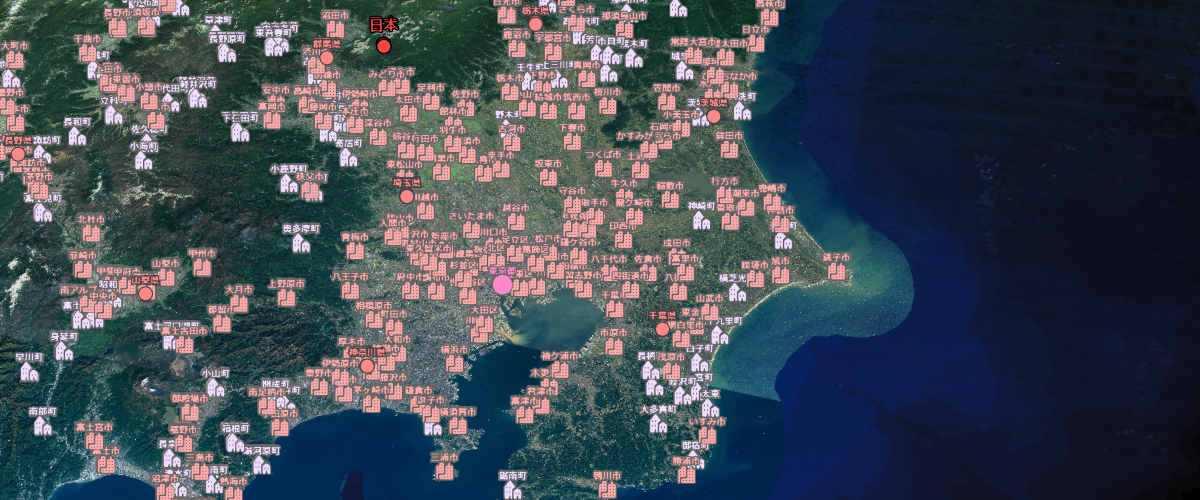
Display vector tiles
Display vector tiles and changed style
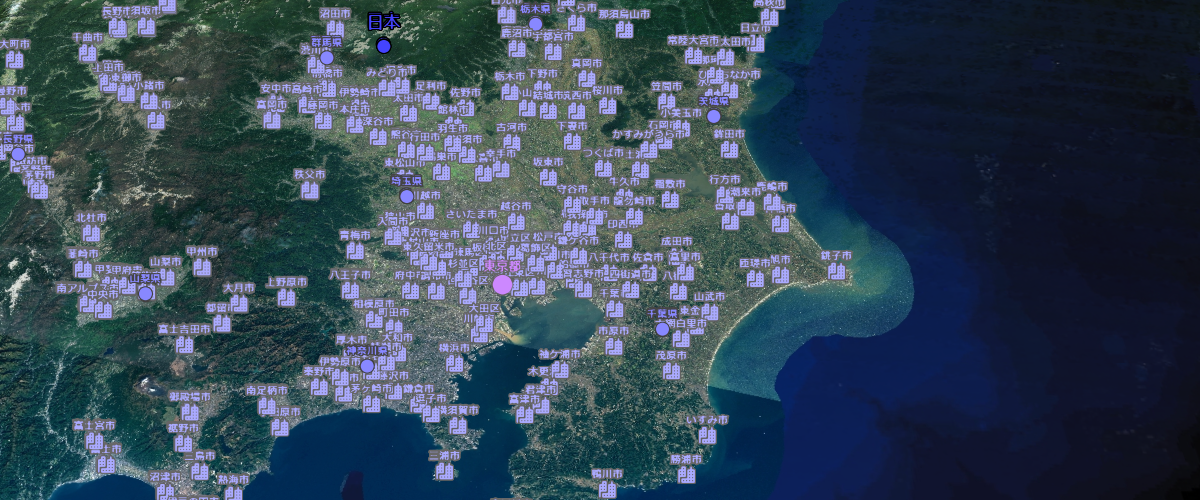
Display vector tiles and changed style
Display vector tiles with filter
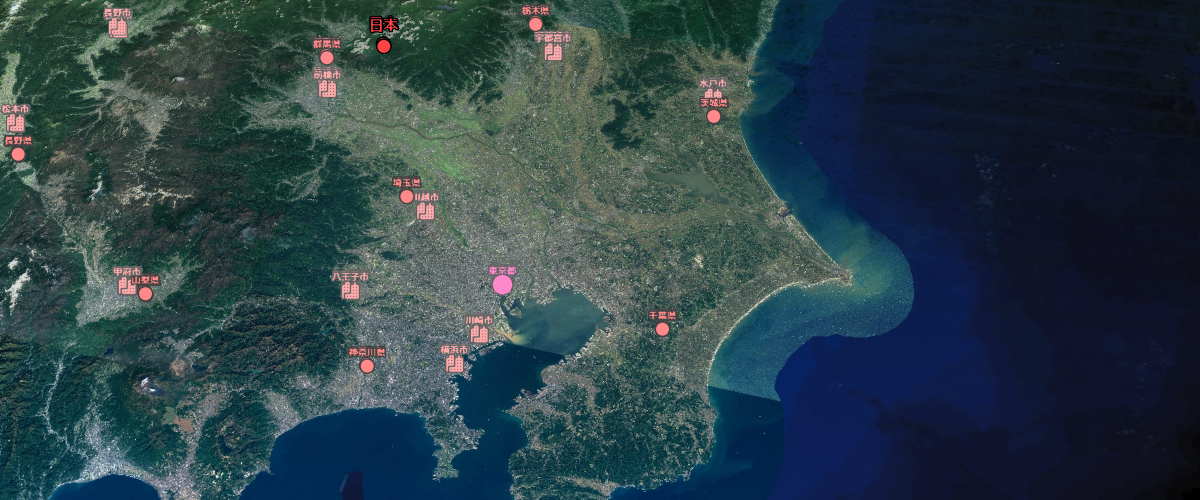
Display vector tiles with filter
Display vector tiles with mapray cloud
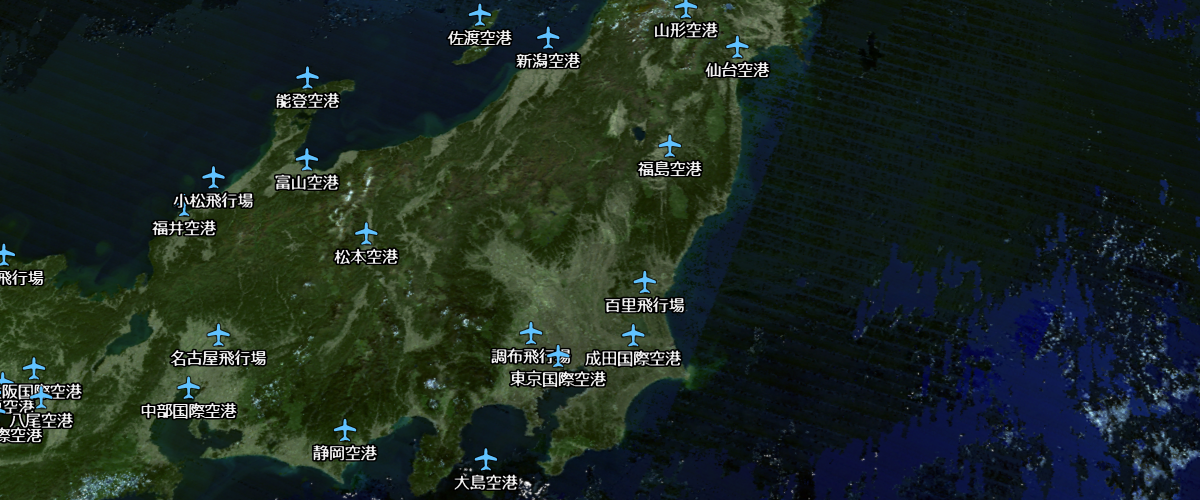
Display vector tiles with mapray cloud
Display vector tiles with mapray cloud and changed style
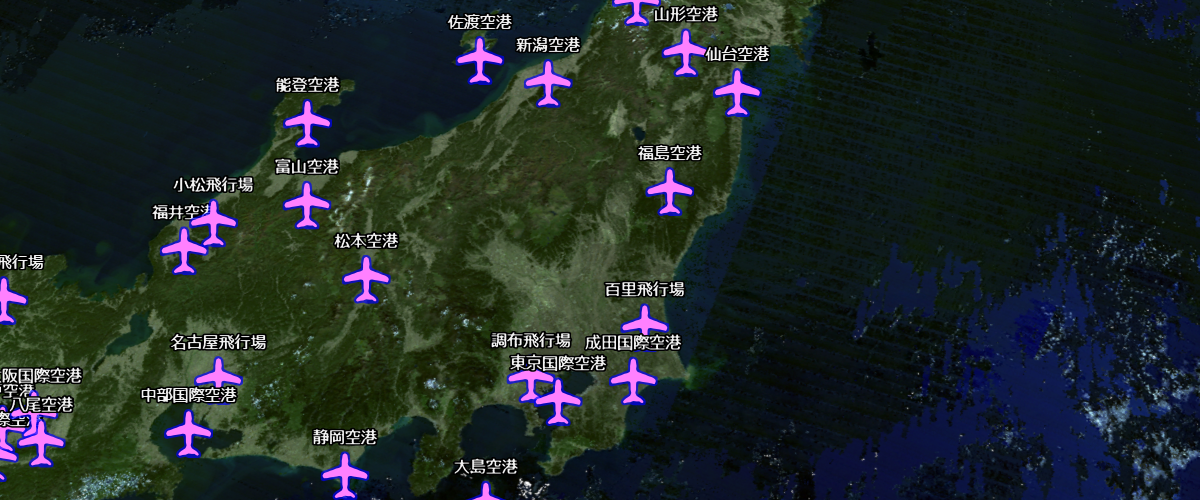
Display vector tiles with mapray cloud and changed style