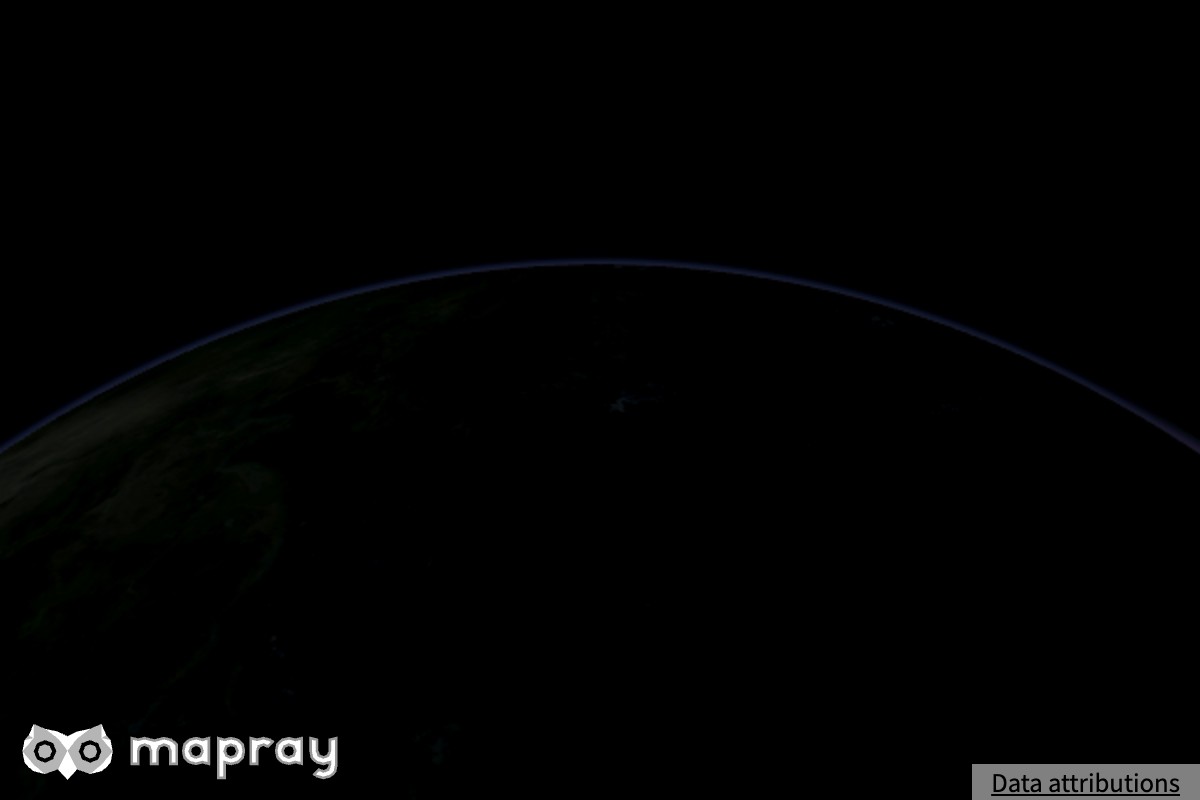
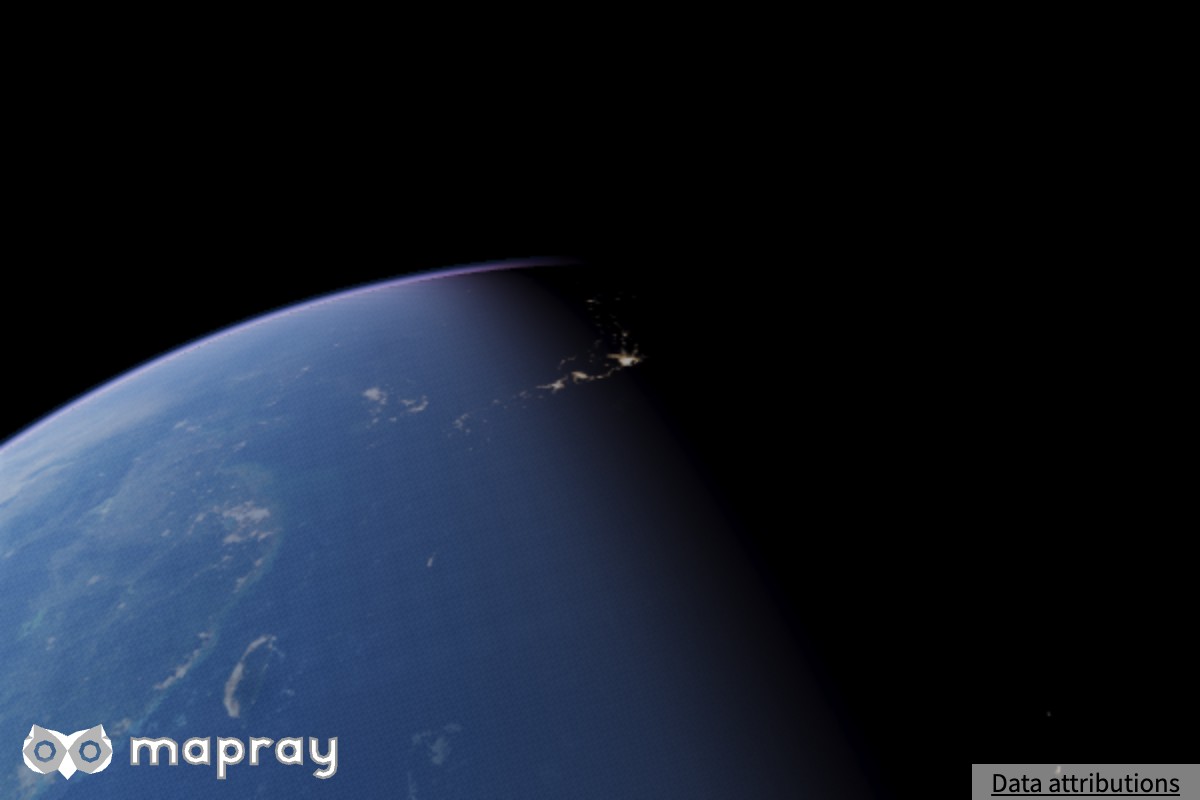
Night Layer
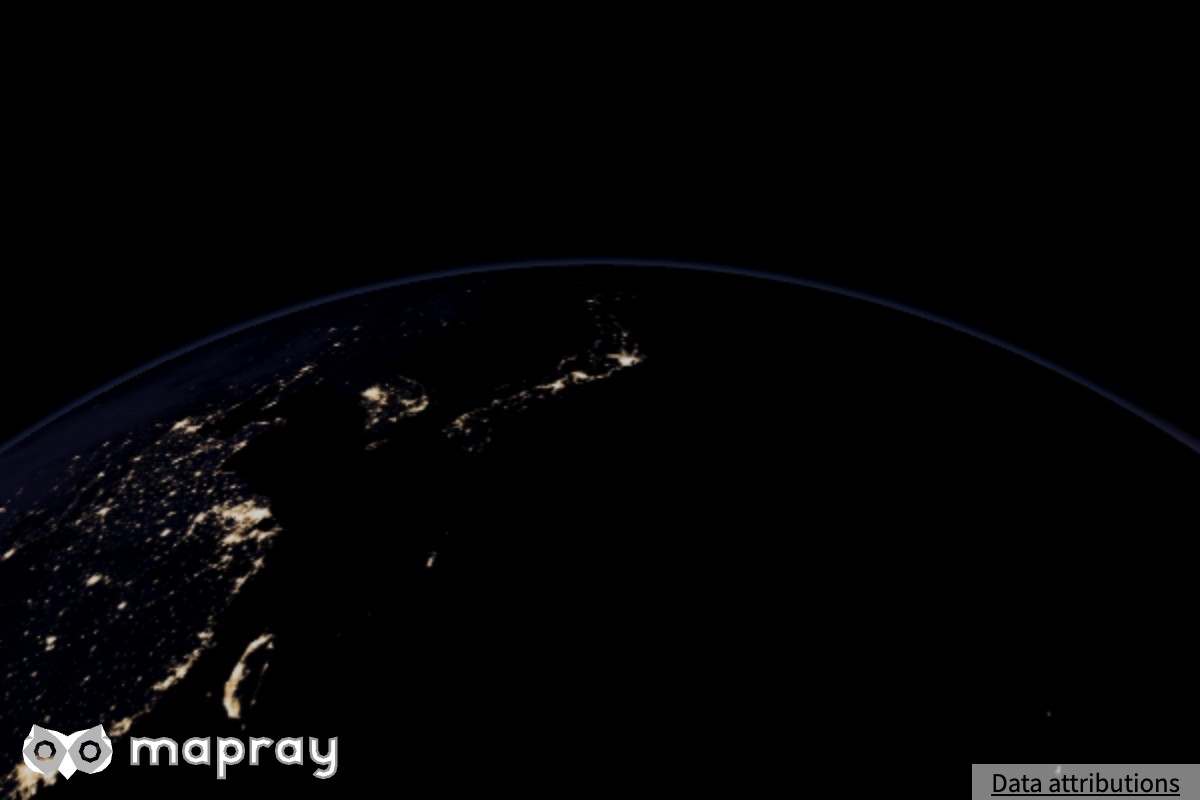
Night Layer は画像レイヤーの描き方の 1 つで、夜の側にだけ画像 (夜景) を重ねます。昼と夜の境界は太陽の方向から決まります。
使い方
画像レイヤーを追加するときに draw_type: mapray.ImageLayer.DrawType.NIGHT を指定します。ほかのパラメータは通常の画像レイヤーと同じで、mapray.ImageLayer.Option を参照してください。レイヤーを作った後は setOpacity() や setVisibility() などの Layer のメソッドで変えられます。専用の setter はありません。
Mapray のサイトでは、夜景の画像として NASA の NightLights のタイルを配信しています。
見え方の決まり方
- 夜景の濃さは、その地点の地表の向きと太陽の方向で決まり、昼の側では消え、夜の側で現れます。境界はなめらかに移ります。レイヤーの不透明度 (
opacity) が上限として掛かります
- 夜景の出方は大気の有無に依りません。太陽の方向だけで決まります
- 夜景の画像には太陽のライティングも月光も掛けません。空気遠近を描く描画品質 (
medium 以上) では、夜景にも空気遠近が掛かります。minimal では画像の色をそのまま描きます
- 大気の地表の物理ライティング (描画品質
medium 以上) が効いているときは、夜側の地表が暗く描かれるので、夜景の光が際立ちます
サンプルコード
夜景のタイルを Night Layer として重ねる例です。
 1
 2
 3
 4
 5
 6
 7
 8
 9
10
11
12
13
14
15
16
17
18
19
20
21
22
23
24
25
26
27
28
29
30
31
32
33
34
35
36
37
38
39
40
41
42
43
44
45
46
47
48
49
50
51
52
53
54
55
56
57
58
59
60
61
62 | <!DOCTYPE html>
<html>
<head>
<meta charset="UTF-8">
<script src="./v0.10.6/mapray.min.js"></script>
<script src="./v0.10.6/maprayui.min.js"></script>
<link rel="stylesheet" href="https://resource.mapray.com/styles/v1/mapray.css">
<style>
html, body, div#mapray-container { margin: 0; padding: 0; height: 100%; }
</style>
</head>
<body>
<div id="mapray-container"></div>
</body>
</html>
<script>
async function main() {
// Set up your Organization Token, which can be created in Mapray Cloud.
const accessToken = "<YOUR_MAPRAY_ACCESS_TOKEN>";
const uiviewer = new maprayui.StandardUIViewer( "mapray-container", accessToken, {
dem_provider: new mapray.StandardDemProvider( {
prefix: "https://tiles.mapray.com/dem/",
headers: { Authorization: "Bearer " + accessToken }
} ),
atmosphere: new mapray.Atmosphere(),
sun_visualizer: new mapray.SunVisualizer(),
// Night Layer
layers: [{
type: mapray.Layer.Type.IMAGE,
draw_type: mapray.ImageLayer.DrawType.NIGHT,
image_provider: new mapray.StandardImageProvider({
url: "https://opentiles.mapray.com/xyz/night-satellite/",
min_level: 0,
max_level: 8
}),
}]
});
// Wait for the initialization process to complete.
await uiviewer.viewer.init_promise;
// Set the sun position.
const theta = - Math.PI / 180.0 * 125.0;
uiviewer.viewer.sun.setSunDirection( [ Math.cos(theta), Math.sin(theta), 0 ] );
uiviewer.setCameraPosition({
longitude: 140.338153,
latitude: 21.023015,
height: 1120840
});
uiviewer.setLookAtPosition({
longitude: 135.664345,
latitude: 38.239194,
height: 13
});
}
main();
</script>
|