コンテンツにスキップ

Star

星 (夜、大気あり)

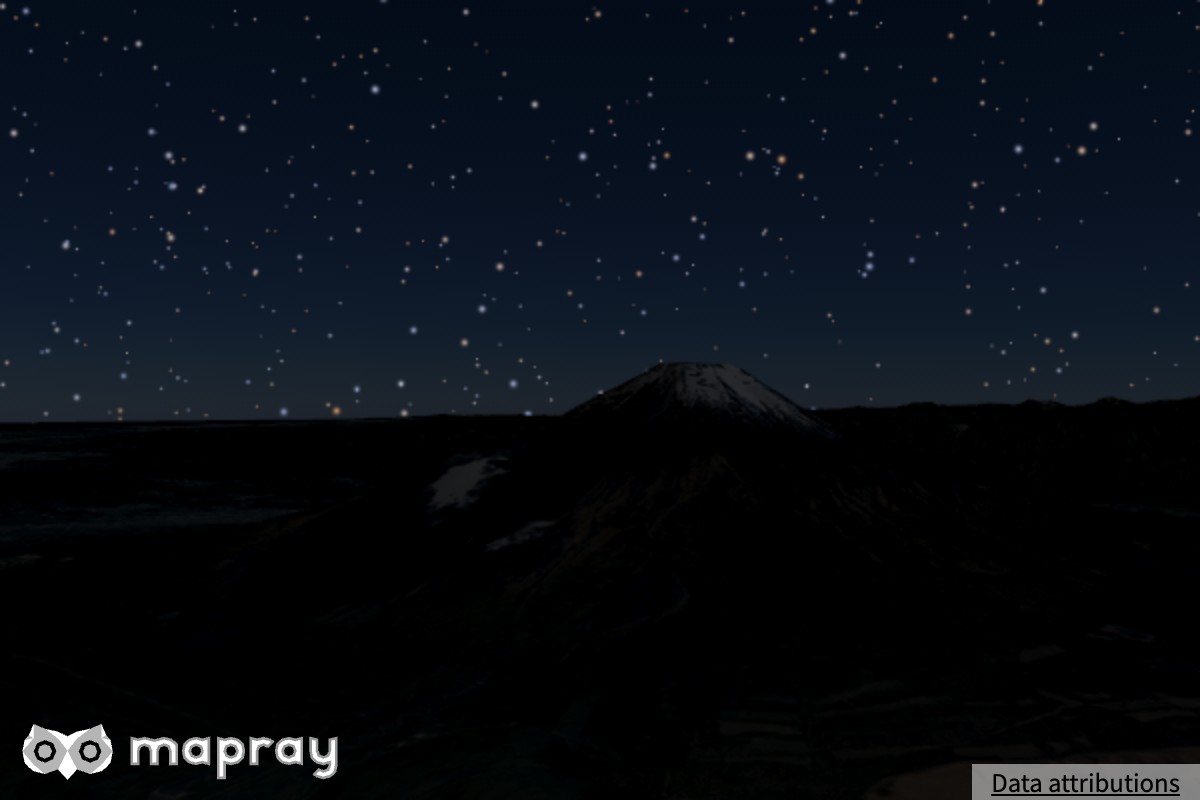
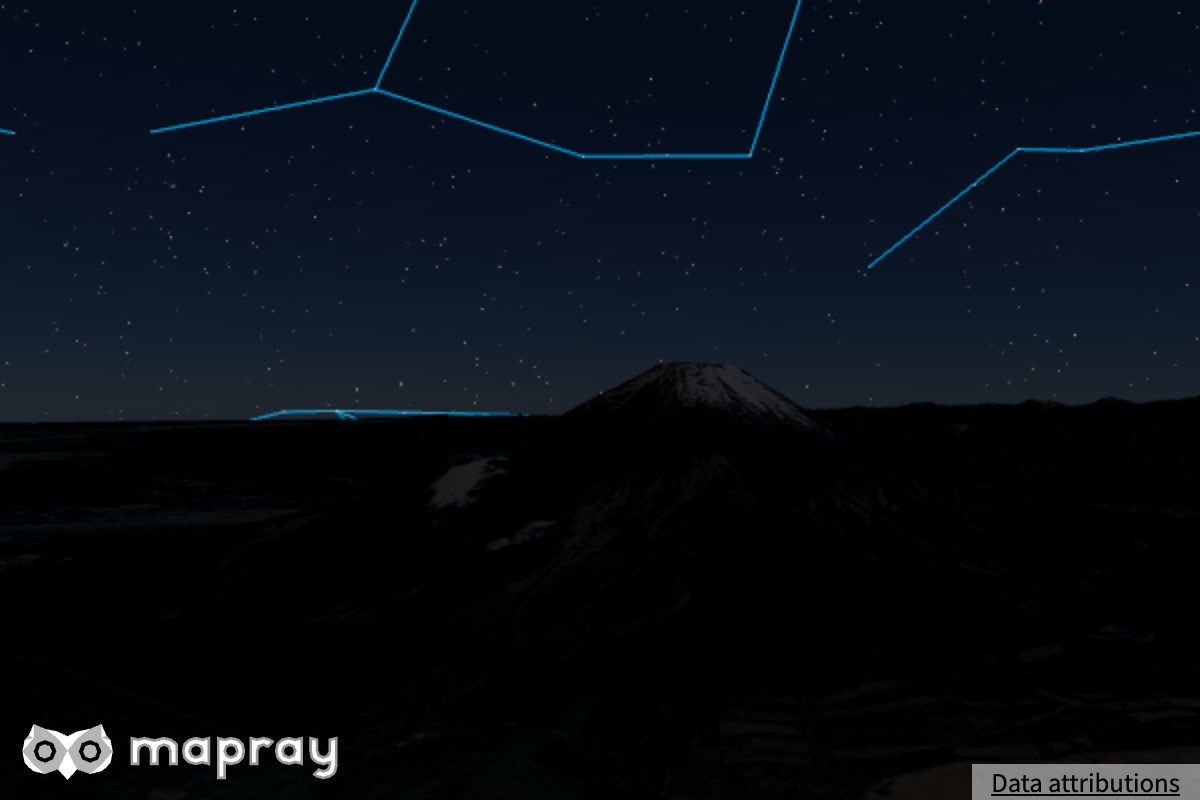
Mapray JS では恒星・星座線・天の川を描けます。天球の向き (基準経度) と明るさを指定して見え方を変えます。

星データ

恒星と星座は、位置・色・明るさを持つ JSON のデータファイルから描きます。星データの JSON と NASA の天の川の画像 を Mapray のサイトで配信しています。

StarVisualizer は Viewer の生成時に渡します。1 つ目の引数が星データの URL、2 つ目が天の川の画像です。星データは非同期に読み込み、読み終わるまで星は描かれません。

const viewer = new mapray.Viewer( "mapray-container", {
    // ...
    star_visualizer: new mapray.StarVisualizer(
        "https://resource.mapray.com/assets/data/star75.json",
        "https://resource.mapray.com/assets/images/starmap_512n2.jpg"
    ),
} );

StarVisualizer のメソッド

viewer.starVisualizer から触ります。

メソッド 動作
setVisibility( flag ) 星を描くか。false にすると、星座線と天の川も描かれません
setIntensity( v ) 星の明るさ (点の大きさ)。大きいほど大きく明るくなります。上限があり、それ以上にすると描画が破綻します。範囲は API リファレンスを参照してください
setLongitude( deg ) 天球の基準経度 [度]。J2000.0 を 0 度とします
setConstellationVisibility( flag ) 星座線を描くか
setLineColor( [r, g, b] ) 星座線の色 (各 0〜1)
setMilkyWayVisibility( flag ) 天の川を描くか
setMilkyWayIntensity( v ) 天の川の明るさ
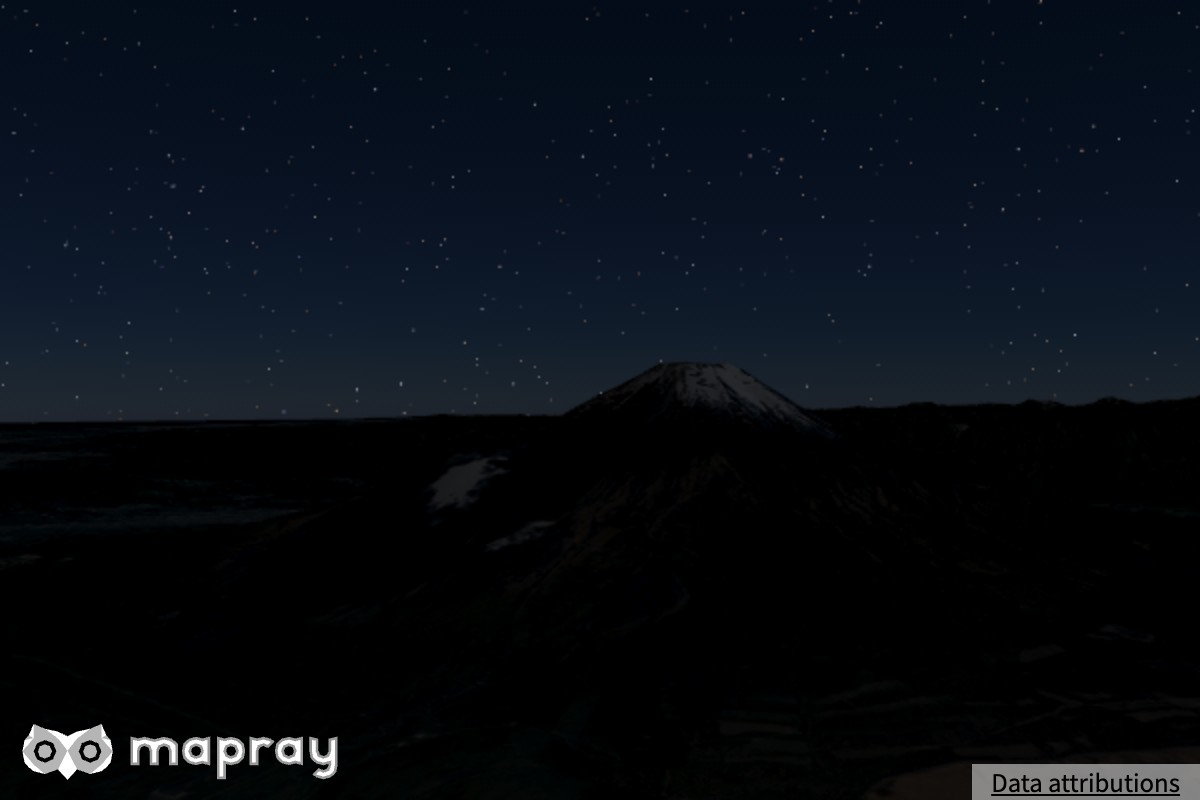
標準 明るさ 0
default 0
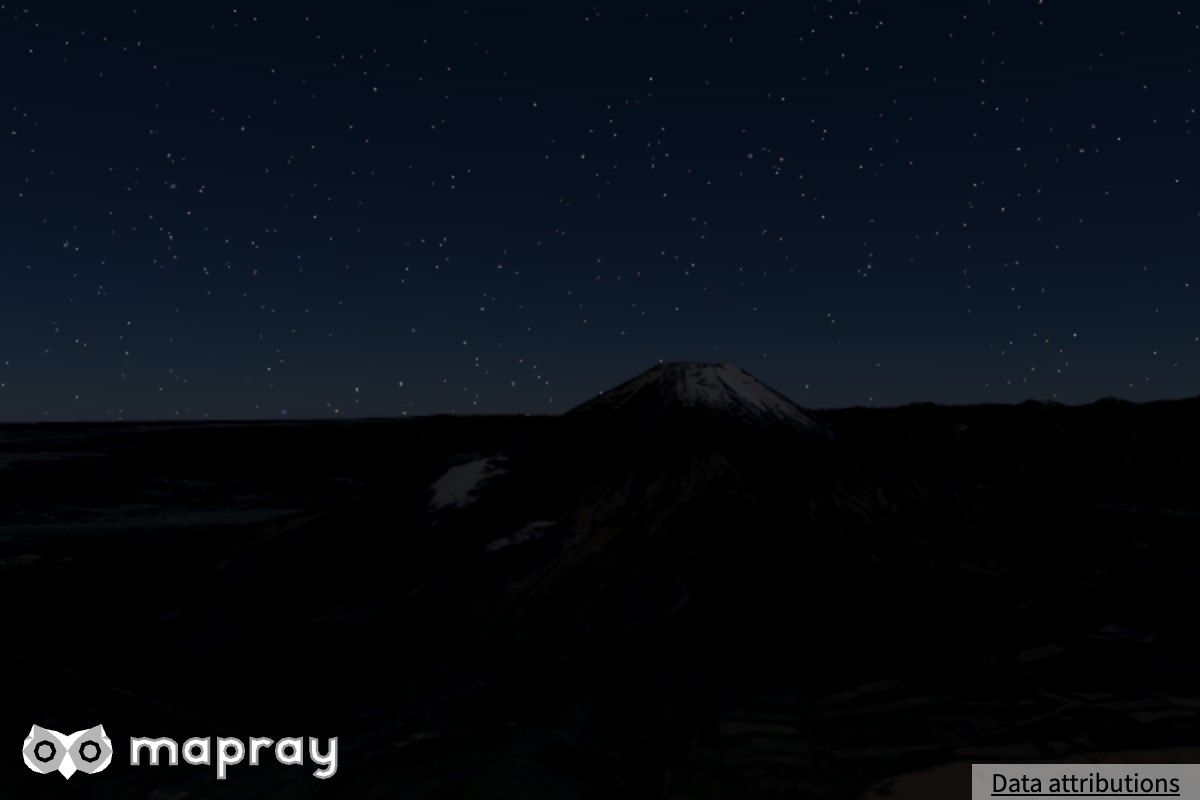
星座線 天の川なし
constellation milkyway

星の名前や位置は、getStarName( hip )、getStarPoint( name )、getConstellationPoint( code )、getConstellationAngle( code )、getConstellationStars( code ) で問い合わせられます (基準経度の回転を含みます)。

星と星座線の色は、画面に出る明るさで決めた値です。露出を変えても、星の見え方は変わりません。

昼の星を隠す

大気があるときは、明るい空の部分で星と天の川を隠します (viewer.atmosphere.setStarMask())。空が明るいほど強く隠し、薄明の空では星が残ります。

次のときはこのマスクを描かないので、昼でも星が隠れません。

  • 大気が無いとき
  • 大気を無効にしたとき (setEnvironmentEnabled( false ))
  • 空を非表示にしたとき (setSkyVisibility( false ))

Note

現在の描画では、明るい空の上に重なった星はマスクが無くてもほとんど見えません。

サンプルコード

星・星座線・天の川を描く例です。

 1
 2
 3
 4
 5
 6
 7
 8
 9
10
11
12
13
14
15
16
17
18
19
20
21
22
23
24
25
26
27
28
29
30
31
32
33
34
35
36
37
38
39
40
41
42
43
44
45
46
47
48
49
50
51
52
53
54
55
56
57
58
59
60
61
62
63
64
<!DOCTYPE html>
<html>
    <head>
        <meta charset="UTF-8">
        <script src="./v0.10.6/mapray.min.js"></script>
        <script src="./v0.10.6/maprayui.min.js"></script>
        <link rel="stylesheet" href="https://resource.mapray.com/styles/v1/mapray.css">
        <style>
            html, body, div#mapray-container { margin: 0; padding: 0; height: 100%; }
        </style>
    </head>

    <body>
        <div id="mapray-container"></div>
    </body>
</html>

<script>
    async function main() {
        // Set up your Organization Token, which can be created in Mapray Cloud.
        const accessToken = "<YOUR_MAPRAY_ACCESS_TOKEN>";
        const uiviewer = new maprayui.StandardUIViewer( "mapray-container", accessToken, {
            dem_provider: new mapray.StandardDemProvider( {
                prefix:  "https://tiles.mapray.com/dem/",
                headers: { Authorization: "Bearer " + accessToken }
            } ),
            atmosphere: new mapray.Atmosphere(),
            star_visualizer: new mapray.StarVisualizer(
                "https://resource.mapray.com/assets/data/star75.json",
                "https://resource.mapray.com/assets/images/starmap_512n2.jpg"
            ),
        });

        // Wait for the initialization process to complete.
        await uiviewer.viewer.init_promise;

        // Night: put the sun on the far side of the earth.
        const theta = - Math.PI / 180.0 * ( 140.0 + 180.0 );
        uiviewer.viewer.sun.setSunDirection( [ Math.cos( theta ), Math.sin( theta ), 0 ] );

        // Star
        uiviewer.viewer.starVisualizer.setLongitude( 90 );
        uiviewer.viewer.starVisualizer.setIntensity( -1.5 );
        // Constellation
        uiviewer.viewer.starVisualizer.setConstellationVisibility( true );
        uiviewer.viewer.starVisualizer.setLineColor( [ 0.15, 0.25, 0.5 ] );
        // Milky Way
        uiviewer.viewer.starVisualizer.setMilkyWayIntensity( 1.5 );

        uiviewer.setCameraPosition({
            longitude: 138.68776,
            latitude: 35.18929,
            height: 2250
        });

        uiviewer.setLookAtPosition({
            longitude: 138.724949,
            latitude: 35.363787,
            height: 3000
        });
    }

    main();
</script>

Info

このサンプルコードは、<YOUR_MAPRAY_ACCESS_TOKEN>を、あなたのMapray CloudのアカウントのOrganization Tokenに置き換えるまで、期待通りに動作しません。

その他のメソッドや詳細、各メソッドの範囲と既定値は リファレンスマニュアル を参照してください。

星のデータの出典

Mapray のサイトで配信している星表・天の川・星座線のデータの出典です。

NASA/Goddard Space Flight Center Scientific Visualization Studio. Gaia DR2: ESA/Gaia/DPAC. Constellation figures based on those developed for the IAU by Alan MacRobert of Sky and Telescope magazine (Roger Sinnott and Rick Fienberg).